DJGASTON.com - Est. 1997

Welcome to djgaston.com

Before the iPhone: Chat Rooms, Napster, Burned CDs and Nokia Bricks

Before AIM and MSN, we were on CompuServe, AOL chat rooms, ICQ and PowWow. Then came MySpace (way better than Facebook, I still say), Napster, Kazaa and LimeWire, a lot of burned CDs, custom ringtones my buddy and I made for people, and a pocket full of phones, from Nokia bricks (I still have a few) to RAZRs and BlackBerrys. Here’s how we stayed connected before the iPhone.

Quick answer From about 1990 to 2007, social life online went from CompuServe’s CB Simulator and AOL chat rooms to instant messengers like ICQ (1996), PowWow, AIM (1997) and MSN Messenger (1999), then to MySpace (2003) and Facebook (2004). Music went from CDs to MP3s, Winamp and file sharing on Napster (1999-2001), Kazaa and LimeWire, then to Apple’s iTunes (2001), the iPod (2001) and the iTunes Store (2003). Phones went from tough Nokias with swappable covers to the Motorola RAZR (2004) and BlackBerry, until the iPhone arrived on June 29, 2007.
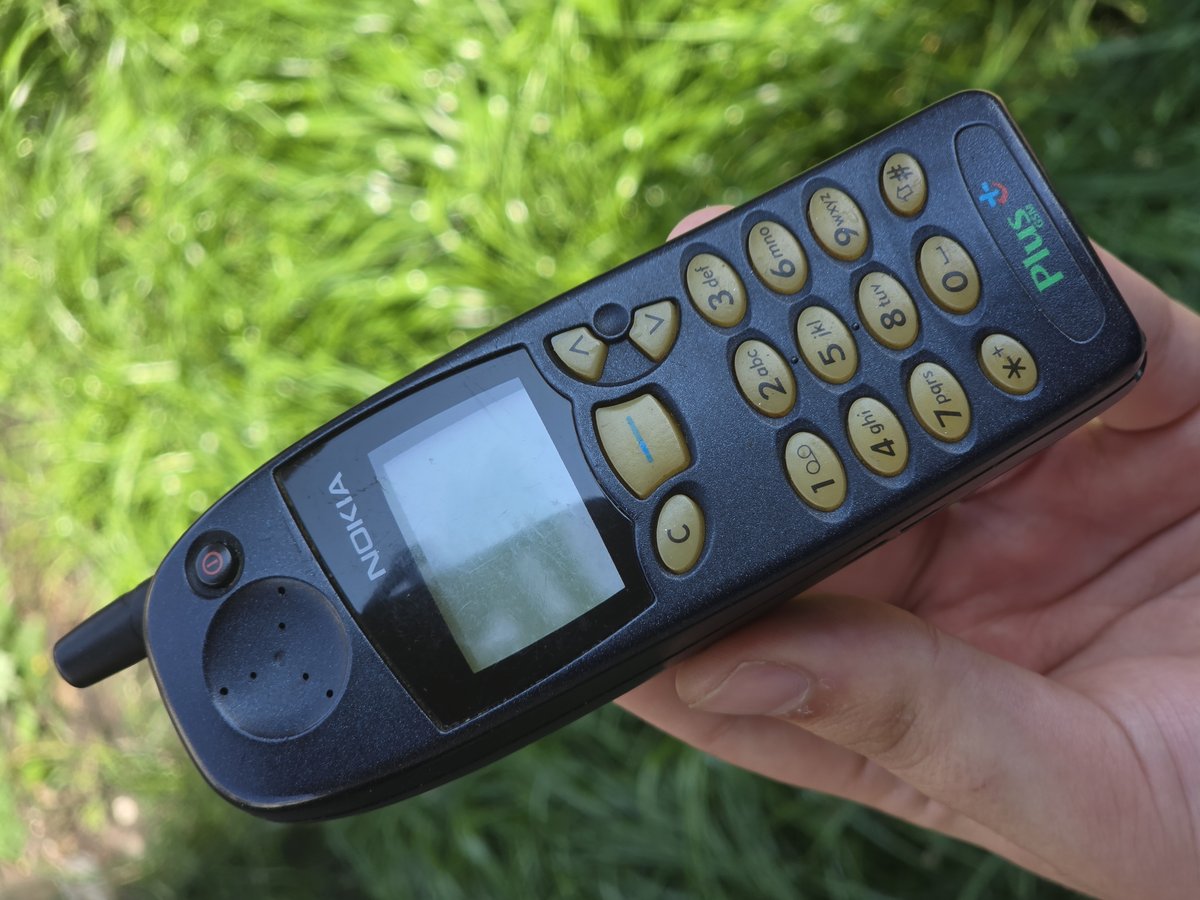
A Nokia 5110 mobile phone
A Nokia 5110, the first Nokia with swappable “Xpress-on” covers. Photo: Beamish4 / Wikimedia Commons, CC BY-SA 4.0
Still around (sort of)

  • Winamp, which still has a website and community
  • Your old CD binders and that external hard drive full of MP3s
  • The Nokia in the junk drawer, which will probably still turn on

Before the apps

Today, staying in touch means picking up your phone and opening one of a dozen apps. In the ’90s, you had to sit down at the family computer, dial in, and hope your friends were on at the same time. That was half the fun. Getting online at night and seeing who else was around felt like walking into the hangout spot.

This is the second half of my look back at growing up online. (The first half covers dial-up, local ISPs, search engines and the browser wars.) This one is about the people part: chat rooms and messengers, the music we passed around, and the phones in our pockets, from roughly 1990 until the iPhone changed everything.

CompuServe and the first chat rooms

CompuServe was the first major commercial online service, and it was doing social networking long before anyone called it that. On February 21, 1980, it launched CB Simulator, named after CB radio, and it was the first public, commercial chat program where lots of people could talk at once. CompuServe also had huge message forums on just about every topic you could think of, each one run by volunteers called sysops.

CompuServe was the online service to be on in the ’80s and early ’90s. It was also a little more serious, a little more business-like, and it charged by the hour. Then AOL came along and made the whole thing a lot friendlier.

AOL chat rooms: “a/s/l?”

AOL’s chat rooms were the center of the online universe for a lot of us. AOL pioneered chat rooms for regular people, and they were cheap for AOL to run because volunteer “community leaders” moderated them in exchange for free access.

There were rooms for every state, hobby, age group and TV show, and the “lobby” you got dropped into when you didn’t pick one. If you were there, you remember “a/s/l?” (age/sex/location), the first thing anybody asked you. You remember picking a screen name you’d be embarrassed by now. And you remember the AOL voice telling you “You’ve got mail!”

For a lot of people, AOL chat was the first time they ever talked to a stranger from another state, or another country. That was a big deal. It also taught a whole generation the basic rules of the internet: don’t believe everybody is who they say they are, and never give out your real info. AOL’s old-style chat rooms lasted, believe it or not, until December 2020.

ICQ: “I seek you”

Chat rooms were great for meeting people, but what about talking to just your friends? That’s where instant messaging came in, and the first big one was ICQ.

ICQ was made by an Israeli company called Mirabilis, founded in June 1996, and the free program came out that November. The name is a play on “I seek you.” It had no traditional advertising and spread almost entirely by word of mouth. It wasn’t the first live chat on the internet (IRC already existed), but it set the blueprint for instant messaging: your own account, a list of friends, and one-on-one conversations. ICQ was the first widely adopted messenger.

Everyone had a long ICQ number instead of a username, and if you got on early, you had a short one and were proud of it. AOL bought ICQ in 1998. At its peak around 2001 it had more than 100 million registered accounts. It hung on for a long time, too, finally shutting down on June 26, 2024.

PowWow: way ahead of its time

PowWow doesn’t get remembered as much, but it should. It was one of the first internet chat and instant messaging programs for Windows, from a company called Tribal Voice, founded in Woodland Park, Colorado, at the end of 1994 by software millionaire John McAfee (yes, the antivirus guy).

PowWow was doing things in the ’90s that other messengers took years to catch up to. It had voice chat over the internet, a shared whiteboard you could both draw on, a built-in text-to-speech voice, sound files, drag-and-drop file transfers, and a feature that let you browse the web together, so when one person clicked a link, the other person’s browser followed. AOL actually sued Tribal Voice in the late ’90s over its use of the phrase “buddy list.” Tribal Voice was bought by the dot-com company CMGI in 1999, and PowWow faded after that.

AIM, MSN and the art of the away message

Then came the two giants. AOL Instant Messenger (AIM) launched in May 1997 as a standalone download for Windows, which meant you didn’t even need to be an AOL member to use it. MSN Messenger launched on July 22, 1999. Yahoo had its own messenger, too. For a while, people ran two or three of them at once.

AIM was where the culture happened. Your buddy list. The sound of a door opening when a friend signed on and slamming shut when they left. Profiles with song lyrics and inside jokes. And, most of all, the away message.

Away messages were supposed to tell people you’d stepped away from the computer. Instead, they became their own little form of publishing. Teens and college students changed them constantly through the day, leaving them up with the computer on to tell everybody where they were, what party was happening, a mood, a joke, or a very carefully chosen song lyric aimed at one particular person. If you think about it, an away message was a status update years before Facebook or Twitter.

AIM’s popularity faded as texting, Facebook and Google’s chat took over, and AOL shut it down on December 15, 2017. MSN Messenger (renamed Windows Live Messenger) had more than 330 million monthly users in 2009 before Microsoft retired it in 2013 in favor of Skype.

MySpace: your Top 8, your song, your page

Before Facebook took over, there was MySpace. It launched on August 1, 2003, and from 2005 to 2009 it was the largest social network in the world. News Corporation bought it in July 2005 for $580 million, and in June 2006 it became the most visited website in the U.S.

If you were on it, you remember all of this:

  • Tom. The moment you signed up, you had one friend already: Tom Anderson, MySpace’s co-founder, smiling in front of a whiteboard in his white T-shirt. Everybody’s first friend was Tom. Nobody ever forgets Tom.
  • The Top 8. You picked your “Top Friends,” and they showed up right on your page in order, for everybody to see. Who made it, who got bumped, and who was number one caused real, honest-to-goodness drama. People got mad. Friendships were tested. Over a list of eight little pictures.
  • Your page, your way. MySpace let you change the background and the whole look of your profile, so everybody learned a little HTML and CSS just to paste in a code from some layout site. Wild backgrounds, neon text, tiled pictures behind everything, and pages you could barely read. That was the point.
  • Animated GIFs and glitter. Sparkly glitter text, spinning graphics, blinking banners, glitter “Thanks for the add!” comments. The more stuff moving on your page, the better.
  • Your song. You could set any song you wanted to start playing the second somebody landed on your page. That song said who you were. Picking it was a big decision, and changing it was a statement.

MySpace was also huge for music. Bands built followings there years before streaming. At its peak in April 2008, MySpace had about 115 million monthly visitors, and by May 2009 Facebook had passed it in U.S. visitors. It never came back.

And I’ll say it: MySpace was so much better than Facebook. It was fun. It was yours. Every page looked different, and you could tell something about a person just by landing on it. Facebook made everybody’s page look the same. I wish we’d all just stayed on MySpace.

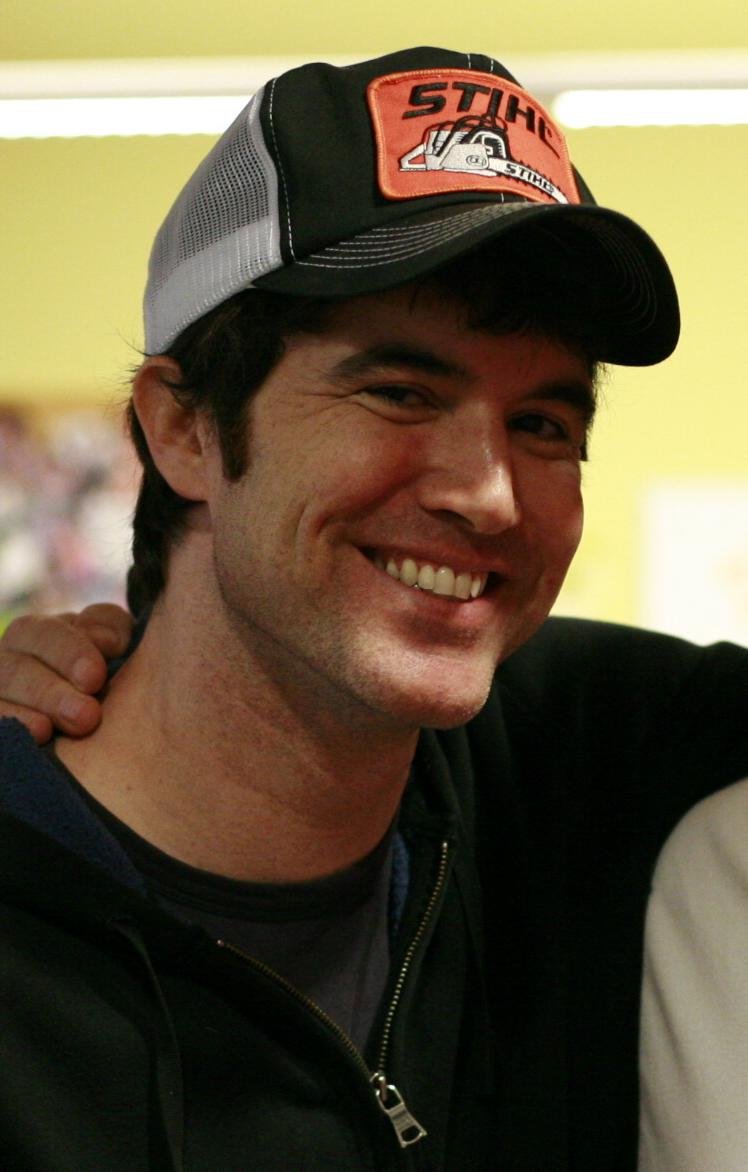
MySpace co-founder Tom Anderson
Tom Anderson, MySpace co-founder and everybody’s first friend. Photo: Robert Scoble / Wikimedia Commons, CC BY 2.0

Winamp: it really whips the llama’s…

Once we had MP3s, we needed something to play them, and on Windows that was Winamp. Justin Frankel and Dmitry Boldyrev’s company Nullsoft released Winamp in 1997, and it took off right alongside MP3 file sharing. Winamp 2, released September 8, 1998, became one of the most downloaded Windows programs ever. By 2001 it had about 60 million users. AOL bought Nullsoft in 1999 for $80 million.

Everybody remembers the skins, which let you make Winamp look like anything, the trippy visualizers, and the little sound clip that played when you first installed it: “Winamp, it really whips the llama’s ass.”

Napster: every song ever, for free

In June 1999, Shawn Fanning and Sean Parker launched Napster, and nothing about music was ever the same.

Napster was a file-sharing program built just for MP3s. You typed in a song, and it showed you everybody online who had it, and you downloaded it straight from their computer. It was easy to use, and it had stuff you couldn’t find anywhere else: old songs, rare recordings, live bootlegs. College dorm networks got so overloaded that at some schools, as much as 61 percent of outside network traffic was MP3 transfers, and many colleges blocked it.

The music industry fought back hard. In April 2000, Metallica sued Napster, and Dr. Dre followed. The Recording Industry Association of America (RIAA) brought its own case. Napster’s verified use peaked at 26.4 million users worldwide in February 2001 (some estimates went as high as 80 million registered users), and it was shut down in July 2001. The name has been sold and relaunched several times since.

Napster co-founder Shawn Fanning
Shawn Fanning, who co-founded Napster as a college student. Photo: Joi Ito / Wikimedia Commons, CC BY 2.0

Kazaa, then LimeWire

When Napster went down, everybody just moved on to the next thing.

Kazaa launched in March 2001, right around Napster’s shutdown. It was built by Estonian programmers, including Jaan Tallinn, and owned by Niklas Zennström and Janus Friis, who later used the same peer-to-peer technology to create Skype. Kazaa shared more than just music, including videos and software, and it came bundled with adware, which is why a lot of family computers mysteriously slowed to a crawl around 2002.

LimeWire, created by Mark Gorton in 2000, ran on the Gnutella network and was the go-to for a lot of people by the mid-2000s. You remember the green interface, and you remember downloading a song only to find out it was mislabeled, or a joke, or a virus. On October 26, 2010, a federal judge ordered LimeWire to shut down its file sharing, and the company later settled with the record labels for $105 million.

I’ll be honest: a lot of people still have giant MP3 catalogs from those years, sitting on a hard drive somewhere, with names like “track 01 (2).mp3.”

Burning CDs for everybody

All those MP3s had to go somewhere, and in the days before everybody had a portable player, that somewhere was a blank CD-R. If you had a CD burner, you were the most popular person you knew.

Everybody burned CDs constantly. Mix CDs for road trips, for a crush, for the gym, for parties. You’d buy blank discs by the spindle, write the track list on the disc in Sharpie, and keep them in a zip-up binder in your car. You learned that a CD held about 74 or 80 minutes, that burning too fast could make a “coaster,” and that you shouldn’t touch the computer while it was burning.

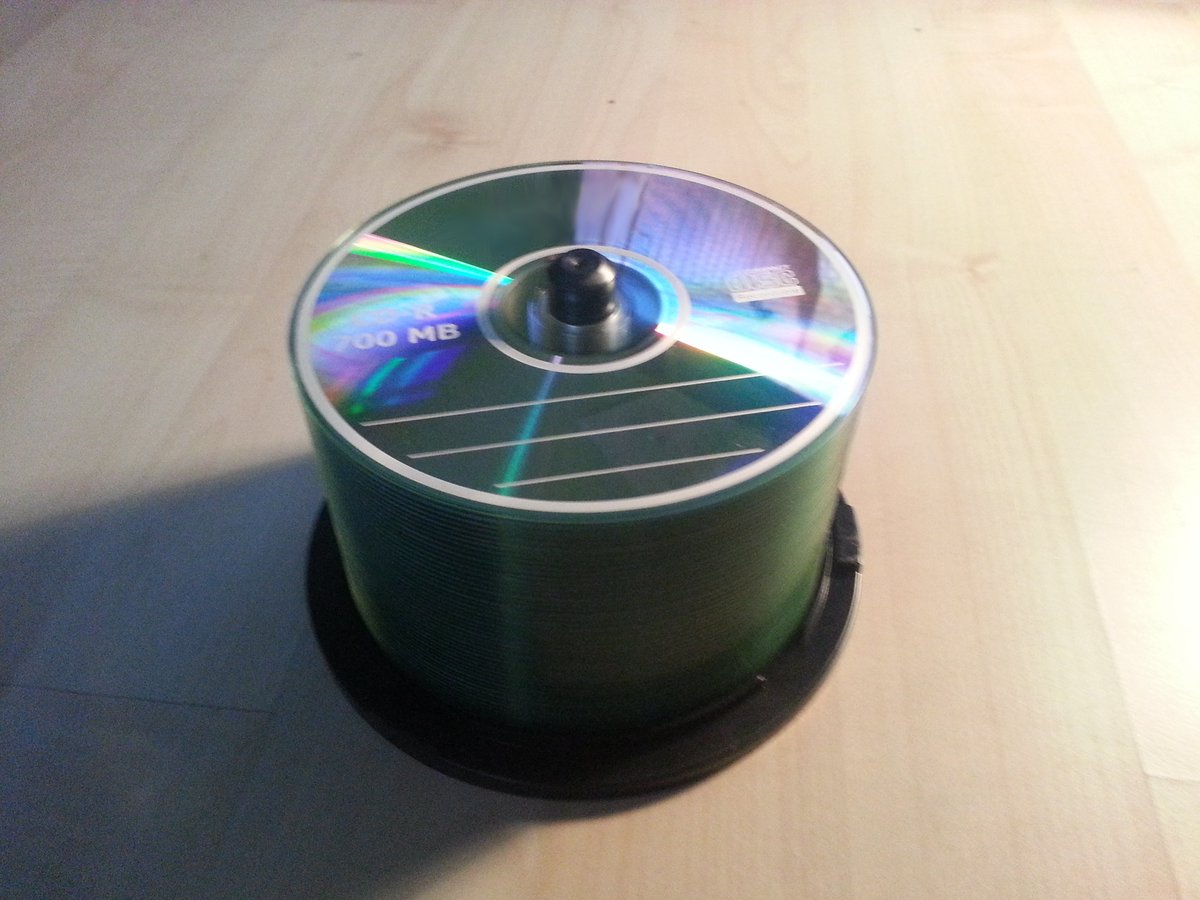
A stack of blank recordable CD-R discs
A stack of blank CD-Rs. Everybody bought these by the spindle. Photo: Nin-TD / Wikimedia Commons, CC BY-SA 3.0

iTunes and the iPod: everybody switches

Apple CEO Steve Jobs announced iTunes on January 9, 2001. At first it was a music player and library for Mac users, a way to rip CDs, organize your songs and burn your own discs.

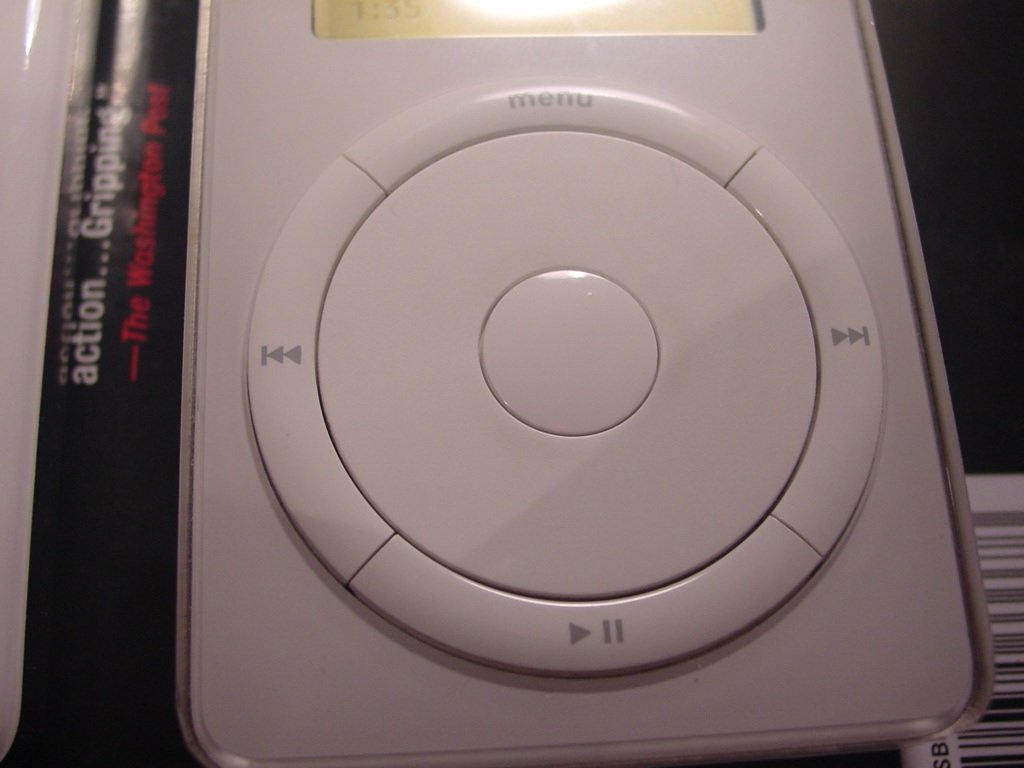
The first iPod was introduced on October 23, 2001, with the slogan “1,000 songs in your pocket,” and it went on sale November 10. In my memory, iPods weren’t a huge hit right away. They were expensive, the first ones were Mac-only, and plenty of people were happy with their burned CDs. But Apple kept at it: bigger models, cheaper models, and eventually the click wheel.

What really changed things was 2003. Apple opened the iTunes Store, where you could buy songs legally for about a dollar each, and on October 16, 2003, it released iTunes for Windows. Now everybody could use it. Within a few years, the white earbuds were everywhere, and iTunes was where your music lived. Lots of people dragged their old Napster and LimeWire MP3s straight into it.

An early iPod with a click wheel
An early-2000s iPod with its click wheel. Photo: pvera / Wikimedia Commons, CC BY 2.0

The Nokia brick: the phone that survived anything

Now let’s talk phones. Before smartphones, the phone to have was a Nokia, and those things were indestructible.

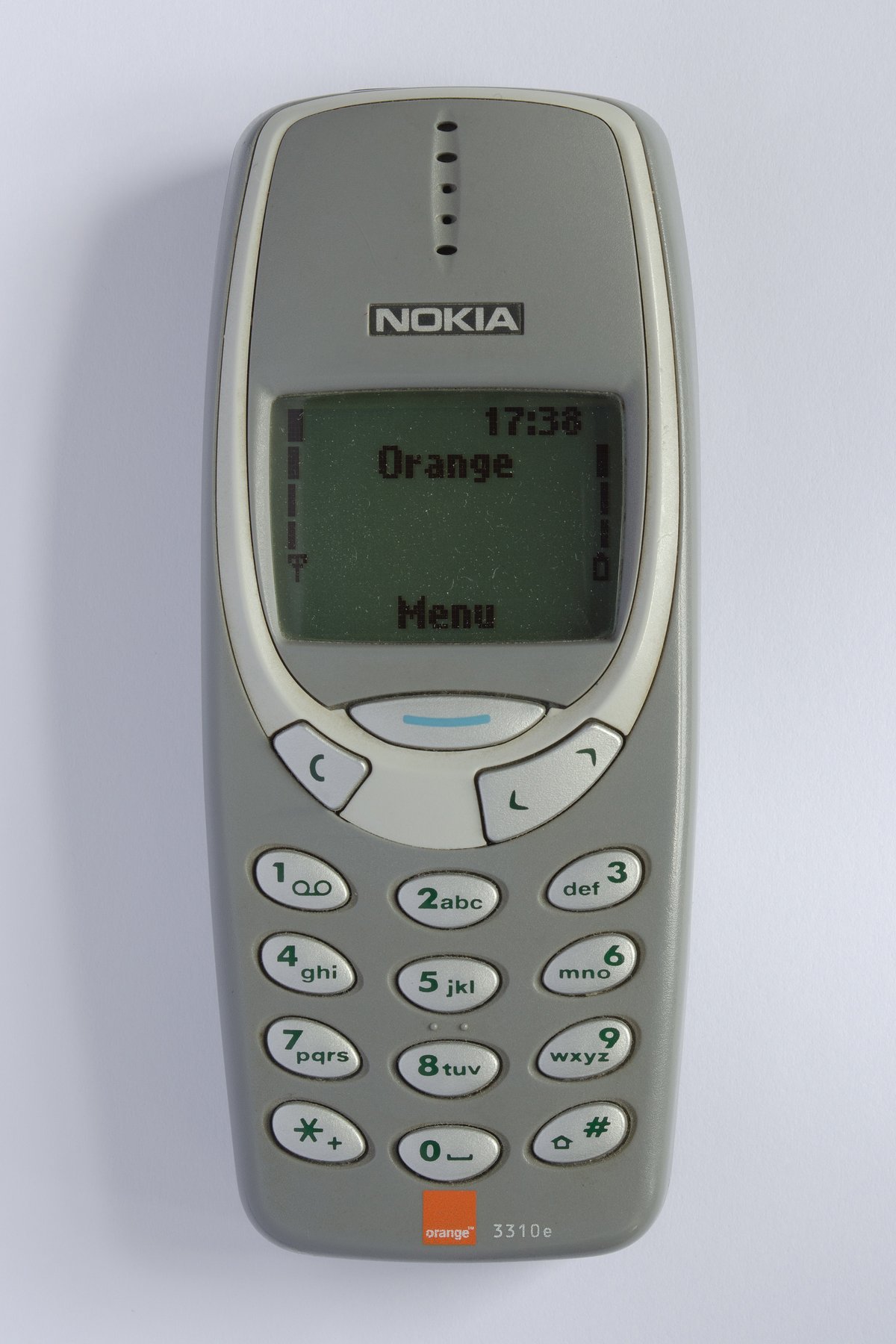
The Nokia 5110 was introduced on April 12, 1998, and it was the first Nokia with replaceable faceplates, which Nokia called “Xpress-on” covers. That started a whole craze. The Nokia 3310 was announced on September 1, 2000, and it’s one of the most successful phones ever made, with 126 million sold. It had Snake II, the game everybody played in class, and a battery that seemed to last a week.

And it would not die. Drop it, kick it, throw it across the room, and the back and battery would pop off, you’d snap it all back together, and it turned right on. The 3310’s toughness turned into a running internet joke, the phone that’s “indestructible.” I still have a few Nokias around the house, and I’d bet they’d still work.

Half the fun was making it yours:

  • Faceplates. Swap the front and back covers for any color you wanted, clear ones, camouflage, flames, your favorite team.
  • Light-up antennas. Aftermarket antennas and stickers that flashed when a call came in. Every mall kiosk sold them.
  • Ringtones. More on those in a second.
A grey Nokia 3310 mobile phone
The Nokia 3310: Snake II, a week of battery and a reputation for being indestructible. Photo: Multicherry / Wikimedia Commons, CC BY-SA 4.0

Ringtones: the soundtrack of everybody’s pocket

For a few years there, your ringtone said as much about you as your MySpace song. And there’s a whole history to them.

Monophonic. The first ringtones could only play one note at a time. They beeped out a tune like a little music box. On a lot of Nokias, you could even type in your own tune note by note with the phone’s built-in composer, using the keypad, and Nokia had a text format for sending ringtones to other Nokia phones by text message. Some people got really good at punching in their favorite songs from memory or from codes printed in magazines and posted online.

Polyphonic. Then phones learned to play several notes at once, more like a little synthesizer, so ringtones started sounding like real songs. The sound chips that made it possible showed up in 1999, and the first phone with the popular miniBAE software synth, from Thomas Dolby’s company Beatnik, was the Nokia 3510 in 2002.

Real songs. After that came “truetones” (also called realtones), actual clips of recorded songs. The first truetone service started in Japan in December 2002.

The money. Ringtones turned into a huge business. The first downloadable ringtone service started in Finland in 1998, and by 2004 digital ringtones were bringing in up to $4 billion a year worldwide. If you watched TV in the mid-2000s, you remember the endless ads where you texted a code to get a ringtone, and maybe got signed up for a monthly subscription you didn’t know about. The market dropped off steeply by the end of the decade, once smartphones made it easy to make your own.

Ringback tones. Then carriers came up with a way to choose what your callers heard while they waited for you to pick up. Instead of the normal ringing, they’d hear a song you picked. Verizon Wireless was the first national U.S. carrier to offer it, in 2004.

Making our own. Here’s my part of the story. A buddy and I bought ringtone-making software and started making custom ringtones for people. Pick a song, cut out the best part, get it onto their phone, and suddenly their phone was the coolest one in the room. It was a lot of fun, and people loved it.

The answering machine message, and trying to sound cool

Before voicemail on your cell, there was the answering machine on the kitchen counter, with a little cassette tape, a blinking red light and a greeting you recorded yourself.

And that greeting was a big deal. Plenty of people kept it simple: “You’ve reached the Smiths, leave a message after the beep.” But a lot of us went all out. The classic move was holding the phone up to the stereo and recording your greeting over a song playing in the background, talking in your coolest, smoothest radio-DJ voice. Some people did a whole little skit. Some people started with “Hello?” and paused just long enough for you to start talking before saying “Ha, gotcha, leave a message.” Everybody fell for that at least once.

When cell phones took over, the same thing moved to voicemail greetings. Same song in the background, same too-cool voice, now on your own personal phone. Looking back, they’re hilarious. If anybody out there still has an old answering machine tape with one of these on it, you’ve got a treasure.

Why your speakers buzzed right before the phone rang

Here’s one every ’90s and 2000s kid remembers, and if you were on a GSM carrier like I was (Cingular, which became AT&T, and I stayed with AT&T until a few years ago), you heard it all the time. You’d be at the computer with your phone sitting next to the speakers, and all of a sudden the speakers would go dit-dit-dit, dit-dit-dit, bzzzt. A couple of seconds later, your phone would ring. It was basically a warning that a call or text was coming.

That buzz came from how GSM phones (the digital “2G” system many carriers used) talked to the tower. GSM split each radio channel into eight time slots so several phones could share it, and each phone transmitted in short, powerful bursts in its own slot, about 217 times a second. When a call or text was coming in, the phone woke up and started talking to the tower in those bursts before it ever rang.

The bursts themselves were radio waves, far too high-pitched to hear. But the cheap, unshielded wires in computer speakers acted like a little antenna and picked them up, and the electronics in the speaker’s amplifier turned the on-off pattern of those bursts into an audible signal. Since the bursts repeated about 217 times a second, which is right in the range of human hearing, you heard that rhythmic buzz.

Modern 4G and 5G phones send their signals in a way that doesn’t create those sharp pulses, which is why your speakers don’t do it anymore. With the old 2G networks shut down in the U.S., that buzz is pretty much history.

The Motorola RAZR: thin was in

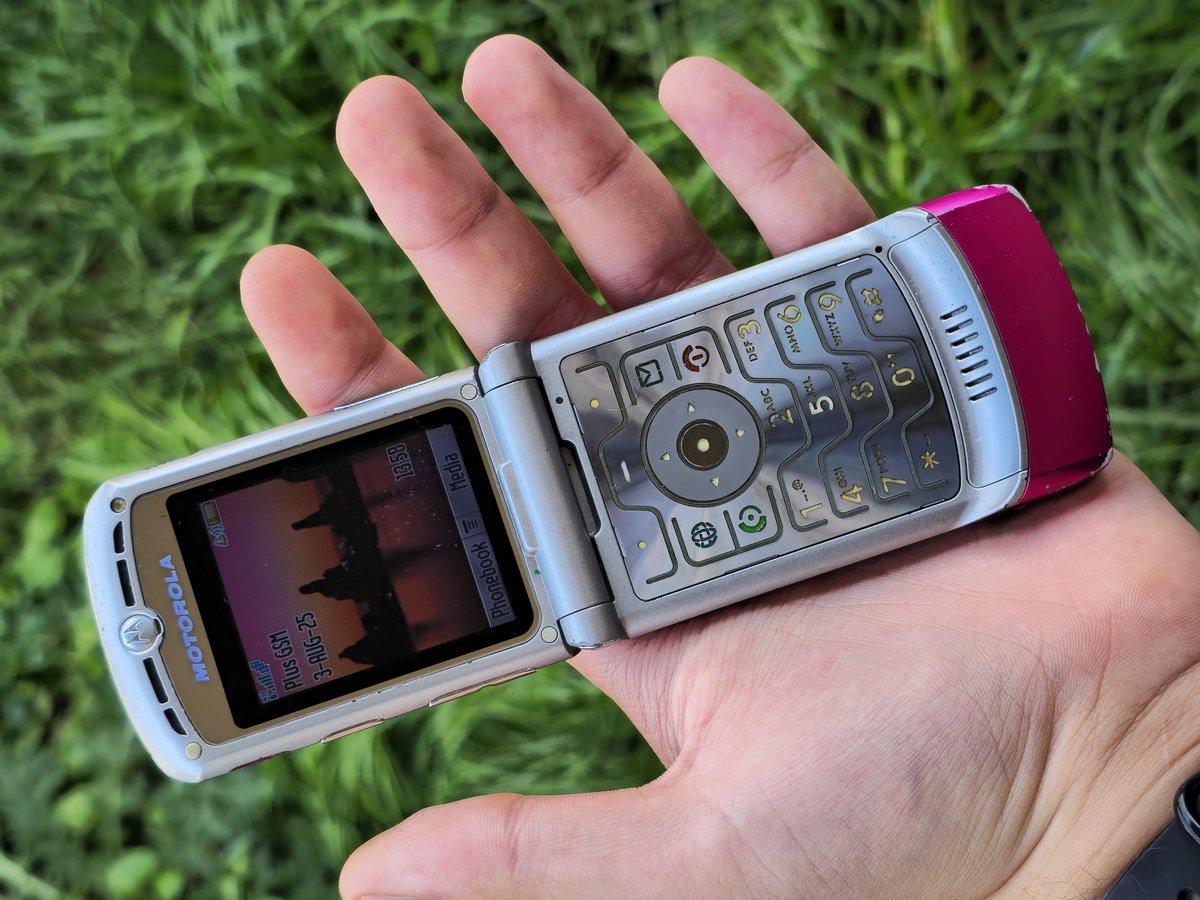
Then flip phones got cool. Motorola introduced the RAZR V3 in 2004, and it became wildly popular. It was super thin, made of metal, with a glowing keypad, and it snapped shut with the most satisfying click in phone history. It came in colors like pink, too, and for a few years it seemed like everybody had one. Motorola followed it with more versions, and with the Razr2 in 2007.

A pink Motorola RAZR V3 flip phone, open
A pink Motorola RAZR V3. Flip it open, flip it shut. Photo: Beamish4 / Wikimedia Commons, CC BY-SA 4.0

BlackBerry: the “CrackBerry”

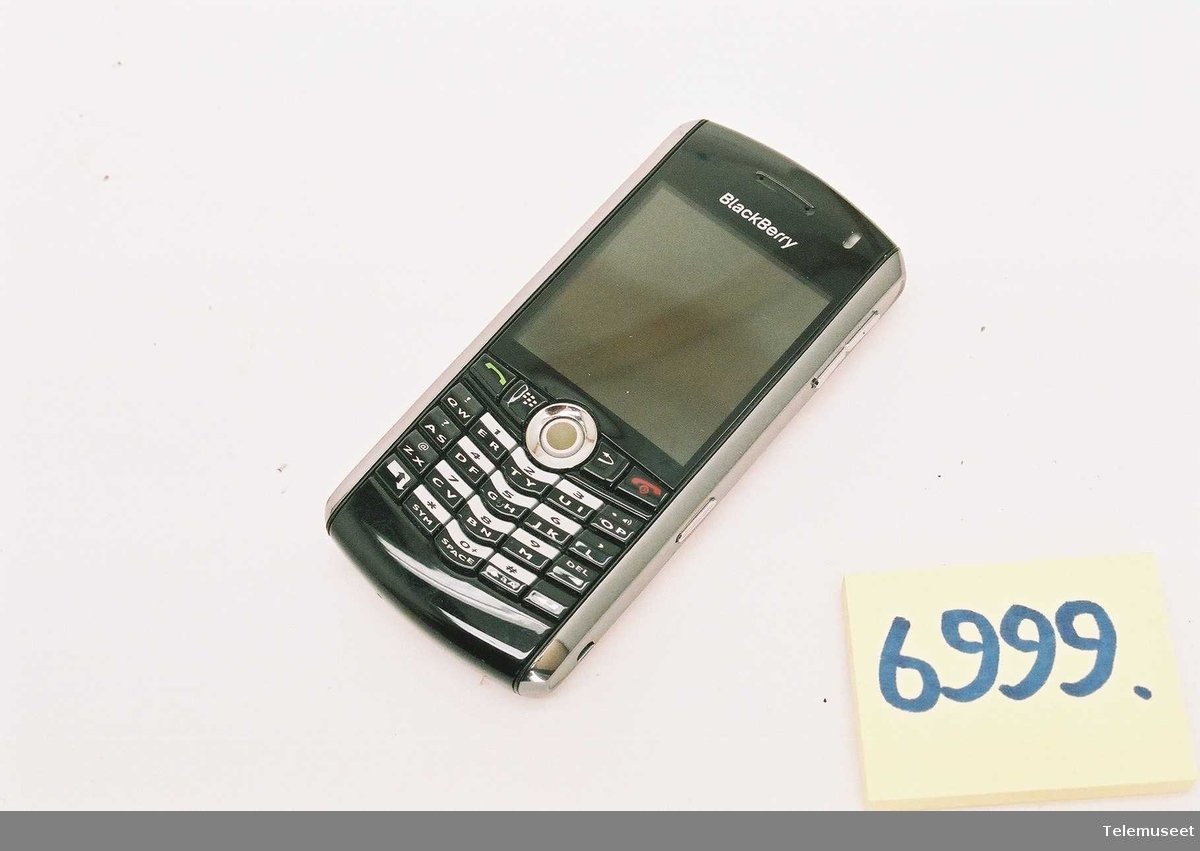
While teenagers had RAZRs, their parents’ bosses had BlackBerrys. The Canadian company Research In Motion launched the first BlackBerry in 1999, and it was actually a two-way pager that could send and receive email. The first BlackBerry phone, the 5810, came in 2002.

BlackBerry became famous for “push” email (your messages just showed up, instead of you checking for them), its tiny thumb keyboard and its security, which made it the phone of choice for businesses and the U.S. government. People got so hooked on it that it got the nickname “CrackBerry,” which Webster’s New World College Dictionary recognized as a word in 2006. BlackBerry Messenger, or BBM, was its own little social network.

A BlackBerry Pearl 8100 phone
A BlackBerry Pearl 8100, one of the models that brought BlackBerry beyond the office. Photo: Terje Norli / Wikimedia Commons, CC BY-SA 4.0

The iPhone changes everything

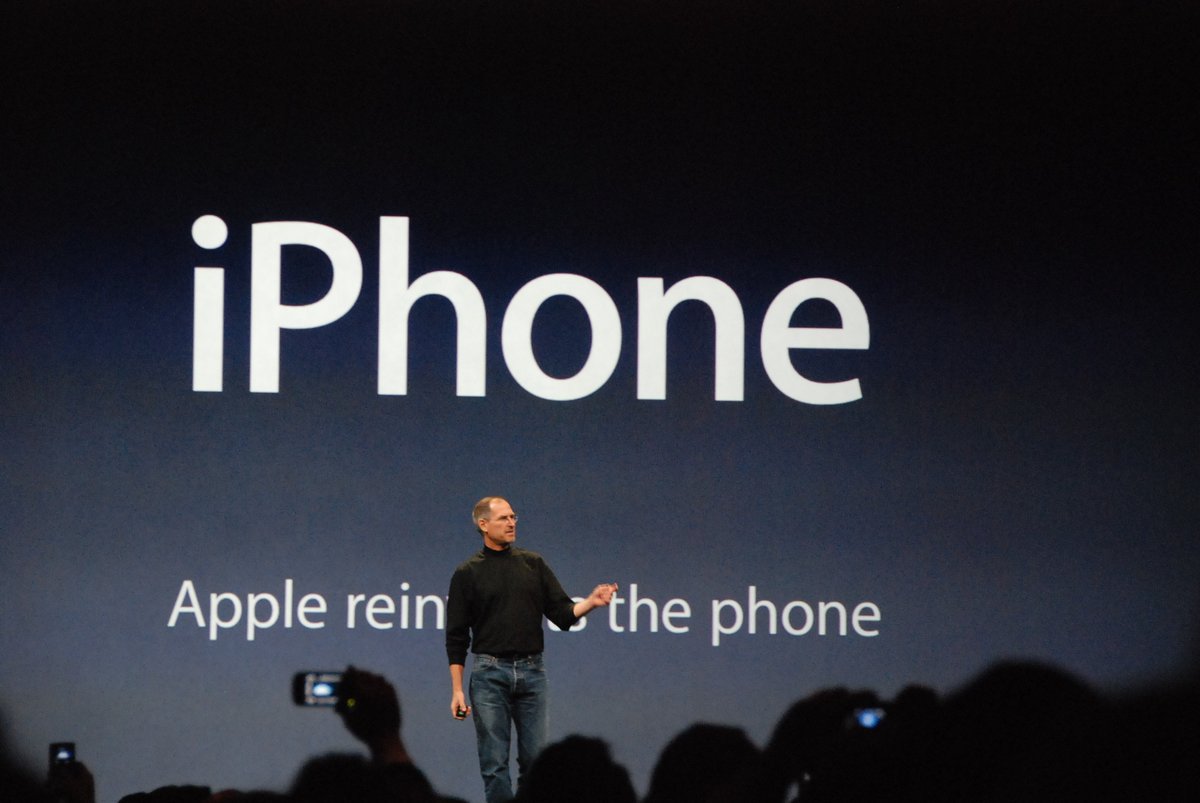
Steve Jobs unveiled the iPhone at Macworld on January 9, 2007, and it went on sale in the U.S. on June 29, 2007. No physical keyboard, no stylus, just a big touchscreen you used with your finger, plus a real web browser. Plenty of people laughed at it at first, especially BlackBerry fans who couldn’t imagine typing on glass. It became Apple’s most successful product.

And here’s a thing people forget: for the first few years, the iPhone lived through iTunes on your computer. You plugged it in with a cable to set it up, to add music, to back it up and to update it. Your whole music library, all those ripped CDs and old MP3s, went through iTunes to get onto your phone. It wasn’t until 2011, with iOS 5, that the iPhone stopped depending on a computer. Later on, Apple replaced iTunes on the Mac with separate Music, Podcasts and TV apps in 2019.

Steve Jobs presenting the first iPhone at Macworld 2007
Steve Jobs presents the first iPhone at Macworld in January 2007. Photo: Blake Patterson / Wikimedia Commons, CC BY 2.0

Looking back: a simpler, happier time

When I add it all up, it’s wild how much of what we do on our phones today we were already doing back then, just in pieces. Chat rooms became group chats. Away messages became status updates. MySpace pages became profiles. Napster became Spotify. And the Nokia that could survive a fall down the stairs became a glass slab we baby in a case.

But it felt different. You got online, talked to your friends, and then you logged off and went outside. Nobody was posting everything. A burned CD for a friend took an evening and meant something. A custom ringtone was a gift. Your answering machine greeting was your one shot at being cool for anybody who called the house.

It was a simpler time, and honestly, I think it was a happier one. If you’ve still got a binder of burned CDs in the closet, a Nokia in a drawer, an old answering machine tape or a hard drive full of “track 01 (2).mp3,” hang on to them. That’s a piece of history right there.

The Early Web: Dial-Up, Local ISPs, Search Engines and the Browser Wars

I started out on a 28.8k modem back when everybody else had 14.4k, and my friends thought I had alien technology. Then 56k came out and blew my mind, lol. Here’s what getting online was like before broadband, from the dial-up screech to the search engines, browsers and websites we all grew up on.

Quick answer In the 1990s you got online by dialing a modem over your home phone line, through a big online service like CompuServe or AOL or one of thousands of small local internet providers. Modems went from 14.4k to 28.8k (standardized in 1994) to 56k (standardized in 1998). You browsed with Netscape Navigator until Microsoft’s Internet Explorer took over, and found things with Yahoo, WebCrawler, Lycos, Excite and AltaVista until Google arrived in 1998. DSL and cable broadband took over in the 2000s, and most of the small dial-up providers disappeared or were bought up.
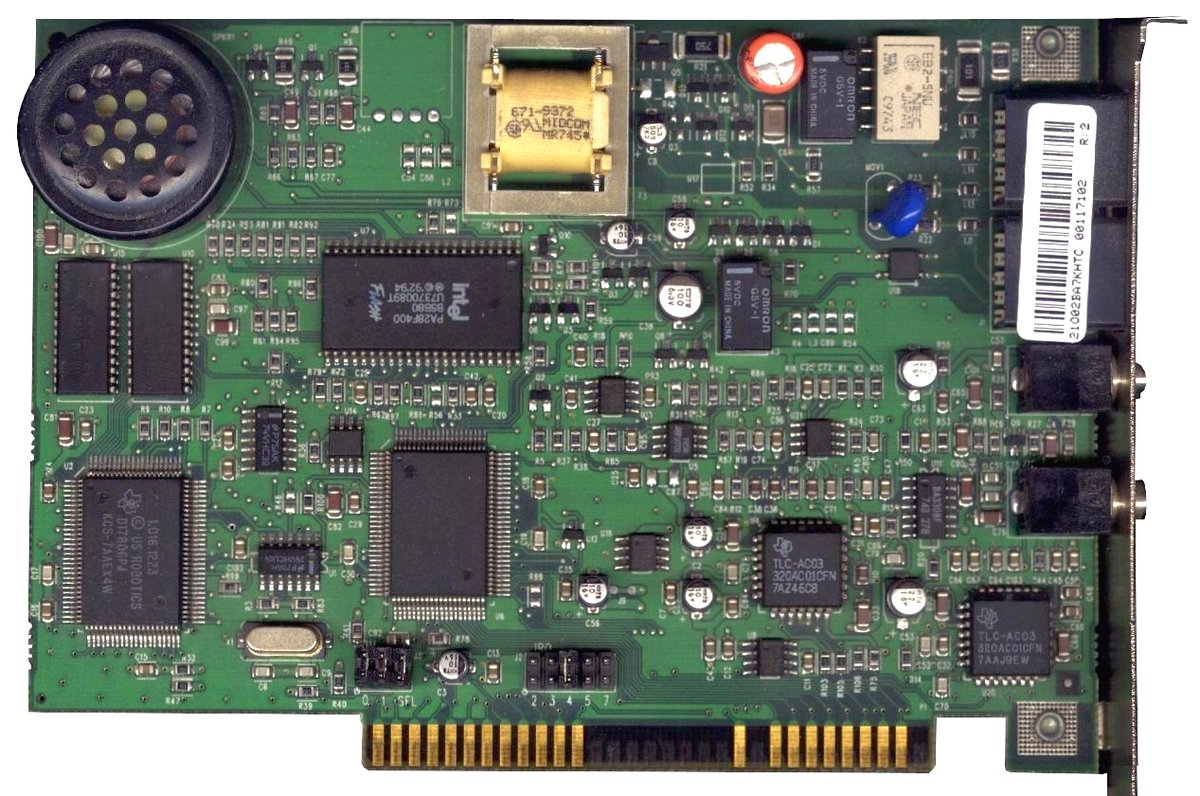
A U.S. Robotics Sportster 56k internal ISA modem
A U.S. Robotics Sportster 56k internal modem. Cards like this one made the famous dial-up screech. Photo: AVRS / Wikimedia Commons, public domain
See it for yourself

  • The Internet Archive’s Wayback Machine (web.archive.org), which has saved copies of many ’90s websites, including early Yahoo, Google and YouTube pages
  • “Me at the zoo,” the very first YouTube video (April 23, 2005), still up on YouTube
  • Any search for “dial-up modem sound,” if you want to hear the handshake again

Tying up the phone line

Before Wi-Fi, before “the internet is down,” there was “Get off the internet, I need to use the phone!”

Dial-up internet used your regular home phone line. Your computer’s modem literally called a phone number, and the modem on the other end answered. While you were online, the line was busy. Nobody could call in, nobody could call out, and if somebody in the house picked up the phone, you got kicked off (and they got an earful of noise). A lot of families ended up getting a second phone line just for the computer.

This post is the story of how the web looked from that side of the phone cord, from the services and local providers we dialed into, to the search engines and browsers we used, to how some of today’s biggest sites got their start.

The dial-up handshake: what that screech actually was

Everyone who was online in the ’90s can hear it right now in their head. The dial tone, the beeps of the number dialing, a ring, and then that chaotic mess of whistles, chirps, bongs and static before everything went quiet and you were connected.

It sounded like chaos, but it was two modems having a very organized conversation. Phone lines were built to carry sound, so modems had to talk in sound. Here’s roughly what you were hearing on a 56k modem:

  1. Dial tone and dialing. The modem picks up the line, hears the dial tone, and dials the provider’s number with ordinary touch-tone beeps.
  2. Ringing. The phone rings on the other end, at your internet provider.
  3. The answer tone. The provider’s modem answers with a high, steady 2100 Hz whistle. Its little clicks and phase flips tell the phone network to switch off its echo suppressors and echo cancellers, equipment that was great for voice calls but would wreck two modems trying to talk at the same time.
  4. Swapping menus. A quick, bubbly burst of chirps. The two modems trade lists of which standards they support and agree on the best one they have in common.
  5. Testing the line. The modems send test tones back and forth, including a chord of many tones at once, to measure how much the line weakens each frequency and how long signals take to travel.
  6. Training. The loud hiss. The modems send scrambled data so each one can tune itself to cancel out the noise and quirks of your particular phone line.
  7. Silence. Once they’ve settled on a speed, the modem’s speaker shuts off. The data is still flowing, and it sounds like hiss too, but you don’t hear it anymore. You’re online.

That’s also why the connection speed could change from day to day. A noisy line, or living far from the phone company’s office, meant the modems settled on something slower.

14.4k, 28.8k, 56k: my “alien technology” story

Modem speeds were measured in bits per second, and in the early ’90s the common speed was 14,400 bits per second, or “14.4k.” That came from a standard called V.32bis. When V.32bis modems got cheap, everybody got one.

The next big step was 28,800 bits per second, “28.8k,” which became an official international standard called V.34 in 1994. A revision in 1996 bumped it to 33.6k.

And that’s where I came in. I got a 28.8k modem when everybody else I knew was still on 14.4k, and my buddies honestly thought I had alien technology. Twice the speed meant pictures loaded noticeably faster, and downloads (a shareware game, a new Winamp skin, a song) took half the time. Being the guy with the fast modem was a big deal.

Then came 56k, and that was mind-blowing. The first 56k modems showed up in 1997, but there were two competing, incompatible versions, U.S. Robotics’ “X2” and Rockwell’s “K56flex,” and your modem only hit 56k if your provider used the same kind. On September 15, 1998, the International Telecommunication Union formally adopted a single standard, V.90, and most existing modems could be upgraded to it with a firmware update.

The fine print: 56k was only for downloads. Uploads topped out at 33.6k, and real-world connections usually landed in the 40s or low 50s. Still felt like a rocket ship. Dial-up modems were never going to get much faster than that, because the phone network’s digital lines just didn’t have room for more.

Before the web: CompuServe, Prodigy and AOL

For a lot of people, the first stop online wasn’t really the internet at all. It was an online service, a private, walled-off world with its own email, news, message boards, chat and games.

CompuServe was the first big one. It opened in 1969 in Columbus, Ohio, as a timesharing service for businesses, and started selling after-hours access to the public around 1979. It was a pioneer of online chat with its CB Simulator, launched on February 21, 1980, as the first public, commercial multi-user chat program. CompuServe also gave us the GIF image format. During the 1980s it was the king of the online services.

America Online came out of an earlier service called Quantum Link, which went online in 1985. It got the America Online name in 1989, and by 1995 it had about three million active users, passing CompuServe and Prodigy to become the biggest online service. As of 2000 it was serving more than 20 million customers.

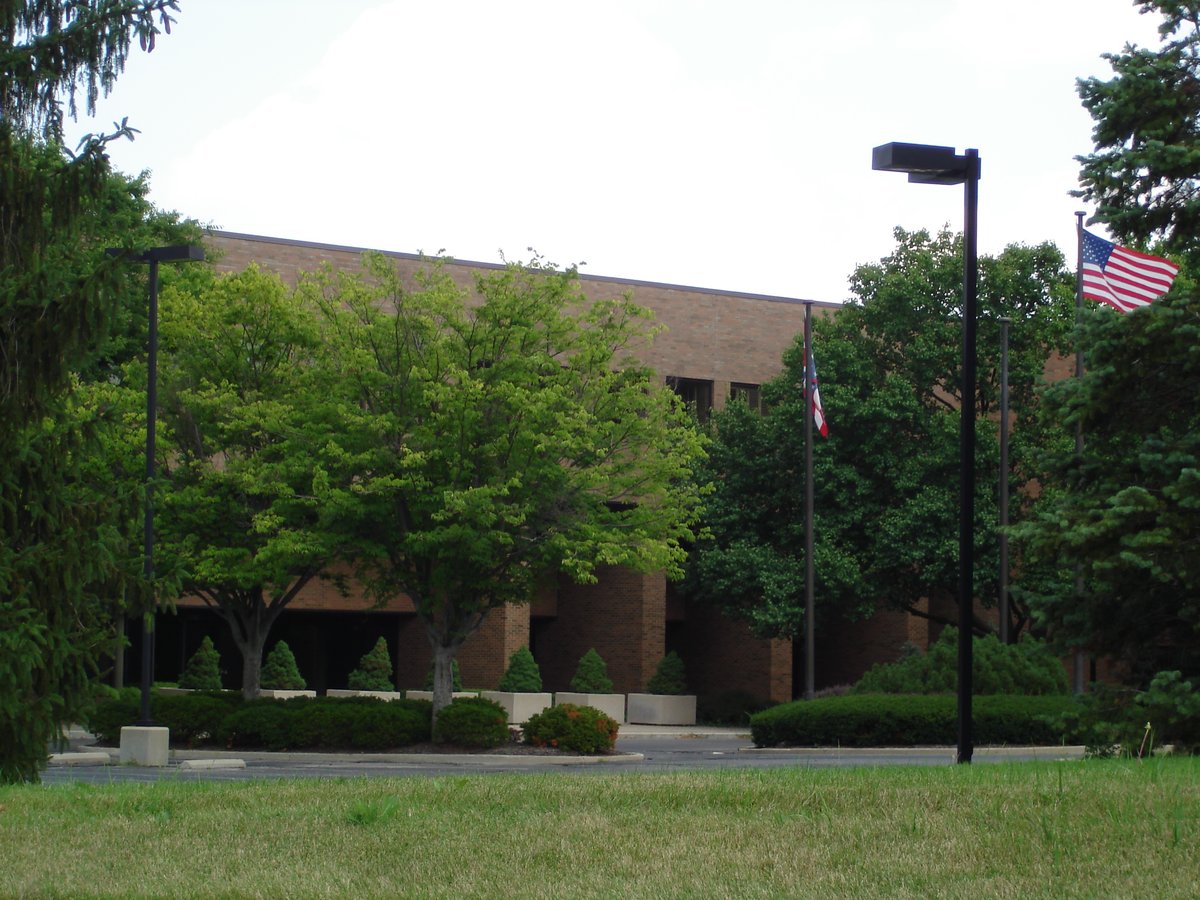
Former CompuServe headquarters building in Ohio
CompuServe’s old headquarters in the Columbus, Ohio, area. Photo: Wiki Historian N OH / Wikimedia Commons, CC BY-SA 3.0

AOL CDs: the free coasters in every mailbox

If you were alive in the ’90s, you got AOL discs. In the mail, in magazines, in cereal boxes, at the checkout counter. First on floppy disks, then CDs, each one promising a bunch of free hours.

It was a deliberate “carpet bombing” marketing campaign run by AOL’s marketing chief, Jan Brandt, to put trial discs in as many places as possible. At one point, half of all the CDs being produced worldwide had an AOL logo on them. People used them as coasters, made art out of them and hung them from rearview mirrors. AOL kept mailing discs until the mid-2000s.

And AOL dial-up hung on far longer than most people realize. AOL officially shut down its dial-up service on September 30, 2025.

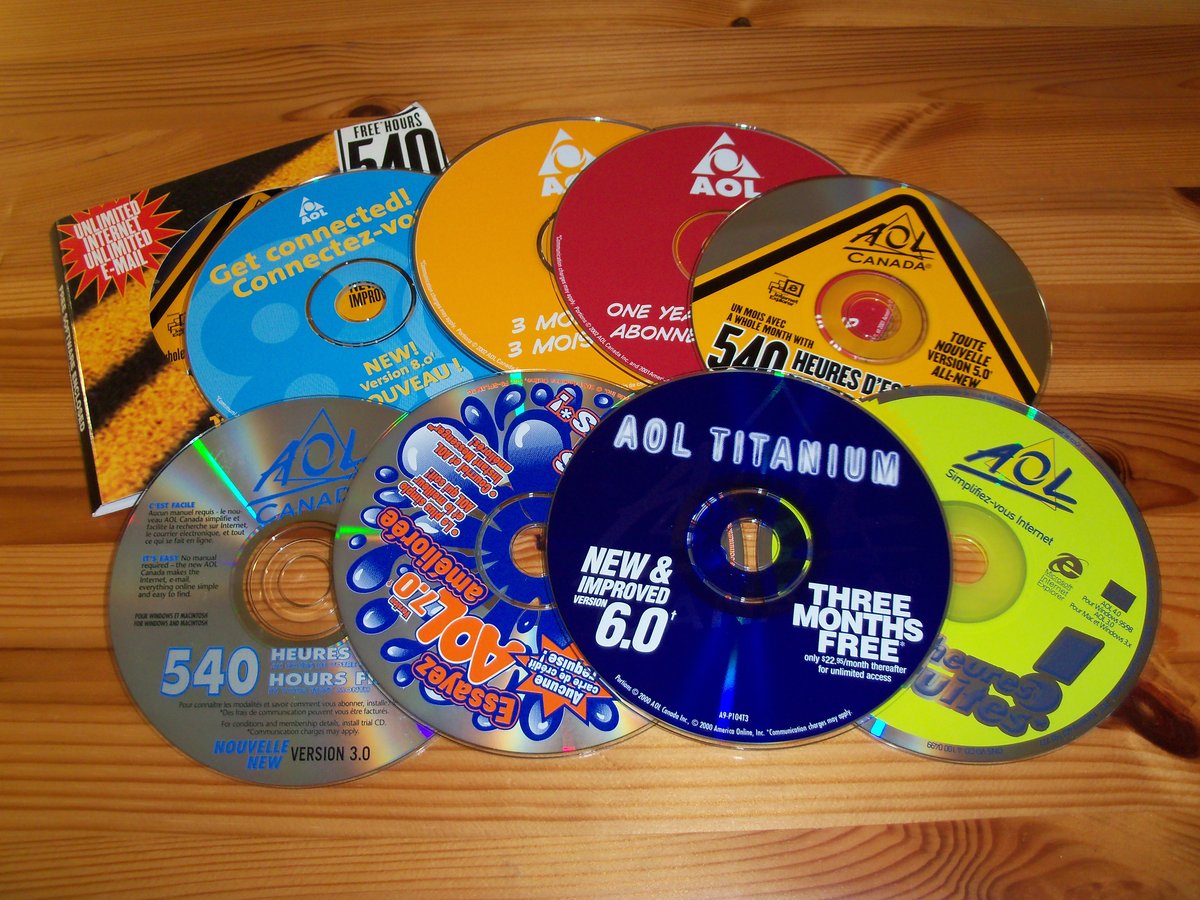
A pile of AOL promotional trial CDs
A stack of AOL trial CDs. Everybody had a drawer full of them. Photo: Jeran Renz / Wikimedia Commons, CC0

Every town had its own internet provider

AOL and CompuServe weren’t the only way on. Through the late ’90s, almost every town had its own little internet service provider (ISP). You’d sign up at a local office, or the computer store, and they’d hand you a dial-up number, a username, and an email address with the provider’s name after the @ sign. That email address was a big deal. It was your identity online, and it was tied to that one small company.

There were a lot of them. Dial-up ISPs were cheap to start, since all you really needed was a connection to the internet backbone, phone lines and a rack of modems. Trade estimates counted about 1,400 ISPs in the U.S. in 1995, around 6,000 by early 1999 according to Boardwatch magazine, and more than 7,100 in North America by early 2000. Many were mom-and-pop operations run by people like computer store owners, retirees and local tech guys. The big names still had most of the customers, though: in 1999, the top ten ISPs had about 80 percent of the market.

So what happened to them? You guessed right. Two things:

  • Consolidation. Even in the late ’90s, ISPs were merging, selling out and buying each other up. Plenty of people woke up one day with a new provider and a new email address because their little ISP got bought.
  • Broadband. The cable TV companies and the phone companies already had wires running to your house, and they could use them for far faster connections through cable modems and DSL. Small ISPs couldn’t afford to wire neighborhoods themselves. As early as 1999, analysts were saying broadband would squeeze out the little guys, and that’s what happened.

The numbers tell the story. Around 2000, about 30 percent of the U.S. population used dial-up. A 2008 Pew Research Center study found only 10 percent of U.S. adults still did, and by the early 2010s it was down to about 3 percent. A few small ISPs survived by moving into wireless or fiber, but most of those local providers are long gone, and so are a lot of our first email addresses.

A Motorola SurfBoard cable modem
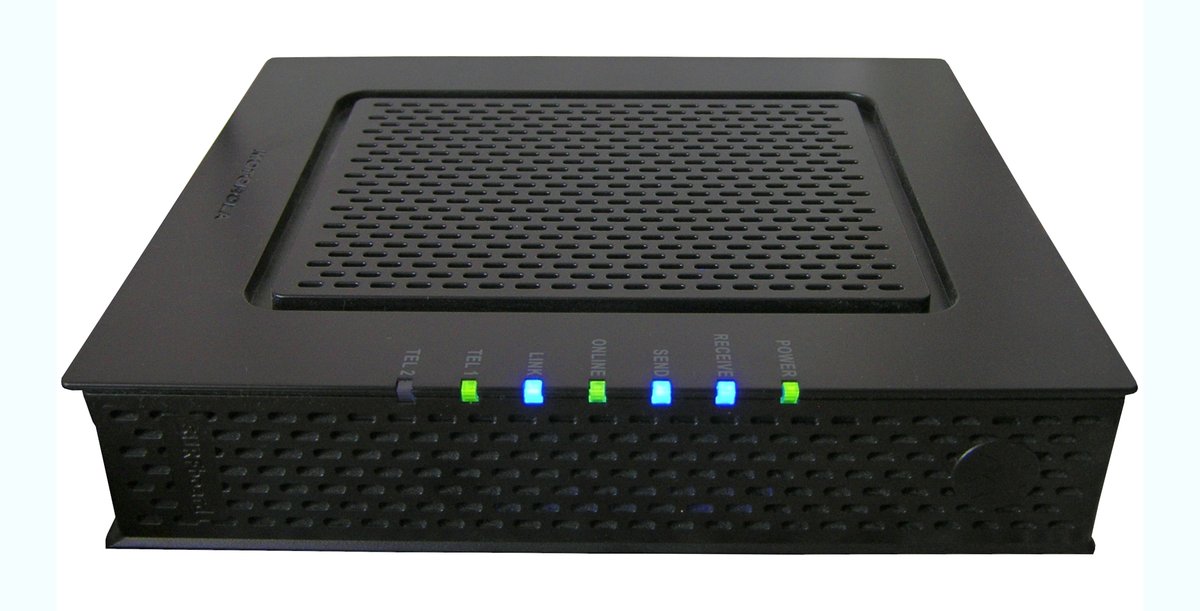
A Motorola SurfBoard cable modem. Boxes like this are what finally ended the dial-up era. Photo: Larocomp / Wikimedia Commons, public domain

Mosaic and Netscape Navigator: the web gets pictures

The World Wide Web started out as mostly text. What made it click for regular people was a browser called NCSA Mosaic, released in 1993 by a team at the University of Illinois’ National Center for Supercomputing Applications. It showed pictures and text together on the same page, and by late 1994 it was well on its way to becoming the standard way to see the web.

Mosaic’s project leader, Marc Andreessen, then co-founded Netscape Communications with Jim Clark. On October 13, 1994, Netscape announced it would make its browser, Netscape Navigator, free for non-commercial users, and version 1.0 came out that December. One of its clever tricks was showing a page while it downloaded, so text and pictures appeared bit by bit instead of making you stare at a blank screen. On dial-up, that mattered a lot.

Navigator took over the young web fast. If you remember the big “N” logo with the shooting stars, or the little ship’s wheel, you were a Netscape user.

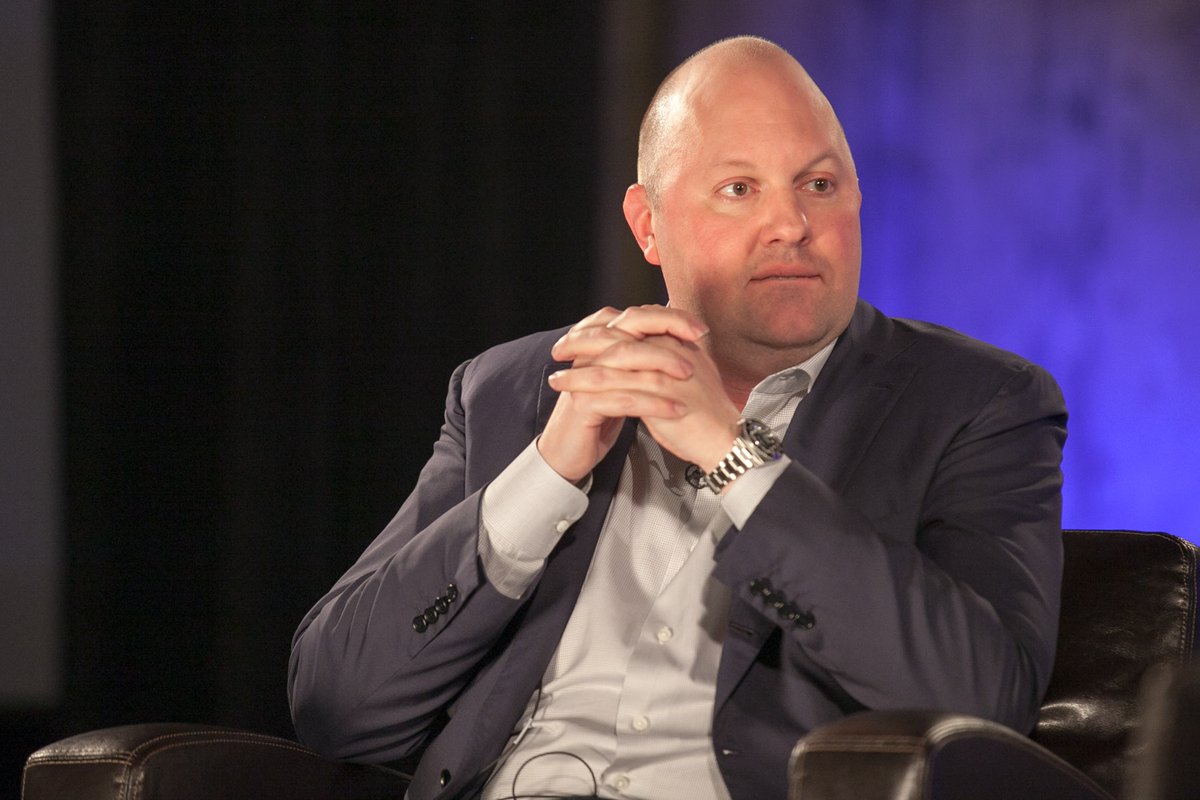
Marc Andreessen, co-founder of Netscape
Marc Andreessen, who led the Mosaic project and co-founded Netscape. Photo: JD Lasica / Wikimedia Commons, CC BY 2.0

The first browser war

Microsoft was late to the web, but it caught up fast. It licensed browser code from a company called Spyglass, which had licensed Mosaic, and in 1995 it released Internet Explorer as part of the Plus! add-on pack for Windows 95. Internet Explorer 2 followed that November, and later versions came free with Windows itself.

That was the key. Netscape cost money for businesses and had to be downloaded or bought, and Internet Explorer was already sitting on your desktop when you turned on a new PC. Historians call the fight between them, roughly 1995 to 2001, the “first browser war.” It had some great moments. When Microsoft released IE 4, its staff left a giant “e” logo on Netscape’s lawn. Netscape employees knocked it over and put their Mozilla dinosaur mascot on top, holding a sign reading “Netscape 72, Microsoft 18,” their market share at the time.

But bundling won. Microsoft’s tactics became part of the big United States v. Microsoft antitrust case in 1998, and by 2003 Internet Explorer had a peak of about 95 percent of the browser market. AOL bought Netscape in 1998 for $4.2 billion.

Netscape’s last move turned out to be its most important one. It released its browser’s source code to the public, and the open-source project that grew from it, Mozilla, eventually produced Firefox, released November 9, 2004. Firefox, and then Google’s Chrome in 2008, took the web back from Internet Explorer in what’s called the second browser war.

Finding anything: Yahoo, WebCrawler, Lycos, Excite and AltaVista

In the early web, finding things was hard. There was no Google. Instead, there were a handful of search engines and directories, and everybody had a favorite.

Yahoo. Two Stanford grad students, Jerry Yang and David Filo, started keeping a list of their favorite websites. In March 1994, “Jerry and David’s Guide to the World Wide Web” was renamed Yahoo! It was a directory, sorted by people into categories and subcategories, more like a giant phone book than a search engine. For years, Yahoo was the front door of the internet.

Yahoo co-founders David Filo and Jerry Yang
Yahoo co-founders David Filo (left) and Jerry Yang, whose website list became the web’s first big directory. Photo: Mitchell Aidelbaum / Wikimedia Commons, CC BY 2.0

WebCrawler. Brian Pinkerton started WebCrawler at the University of Washington in January 1994, and it launched on April 21, 1994, with more than 4,000 websites in its database. It was the first web search engine to search the full text of pages, not just titles. In November 1994 it served its millionth search.

Lycos. Lycos began in May 1994 as a research project by Michael Loren Mauldin at Carnegie Mellon University. The name comes from Lycosidae, the Latin name for the wolf spider family, which fit a program that crawled the web.

Excite. Six Stanford friends founded a company called Architext in June 1993, and it launched as Excite in October 1995. It grew into a big web portal and later merged with the cable internet company @Home in a deal that created Excite@Home, which went bankrupt in 2001.

AltaVista. Researchers at Digital Equipment Corporation (DEC) built AltaVista partly to show off DEC’s powerful computers. It launched in December 1995 as the first searchable full-text index of the web with Boolean search, meaning you could use words like AND, OR and NOT. For a while, it was the search engine for people who knew what they were doing.

There were others too, like Infoseek, HotBot and Ask Jeeves, where you typed your question in plain English to a cartoon butler. The common problem was that results were often junk. Sites stuffed hidden keywords onto pages to show up for everything, and you’d often click through pages of results to find what you wanted.

Then Google showed up

At Stanford, two more grad students, Larry Page and Sergey Brin, were working on a research project nicknamed BackRub. The name came from how it worked: it looked at the links pointing back to a page to judge how important that page was. The more good sites linked to you, the higher you ranked. That idea became PageRank.

Google was founded in 1998. In August 1998, Sun Microsystems co-founder Andy Bechtolsheim invested $100,000, and Page and Brin set up shop in their friend Susan Wojcicki’s garage in Menlo Park. (Wojcicki later ran YouTube.) In June 1999, Google announced $25 million in funding from the big venture capital firms.

What I remember is how different it felt. A plain white page with a search box, no portal clutter, no news, weather and horoscopes, and the first result was usually the right one. Within a few years, “Google it” was a verb, and most of the search engines above were either gone or barely hanging on.

The Menlo Park garage where Google started
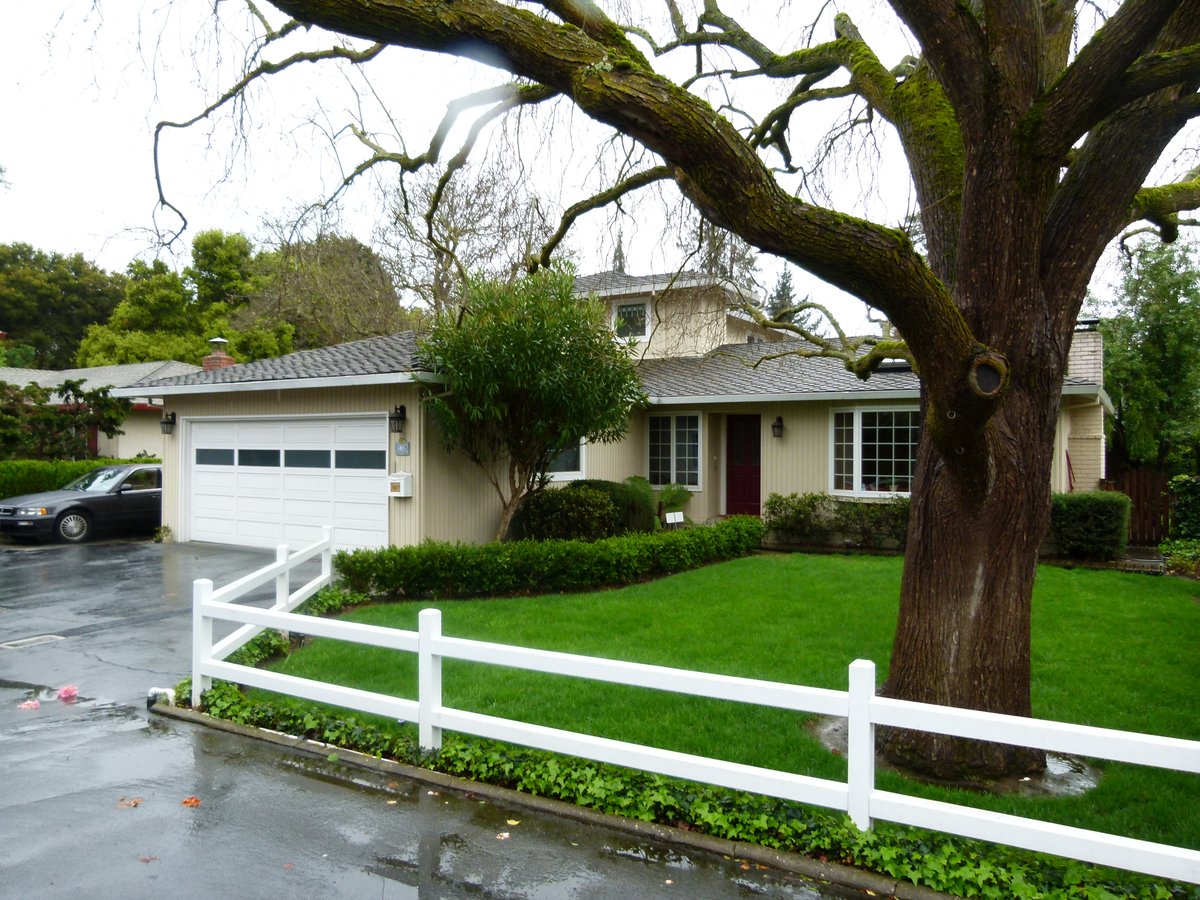
The garage in Menlo Park, California, where Google set up shop in 1998. Photo: Jordiipa / Wikimedia Commons, CC BY-SA 3.0
Google's first production server on display at the Computer History Museum
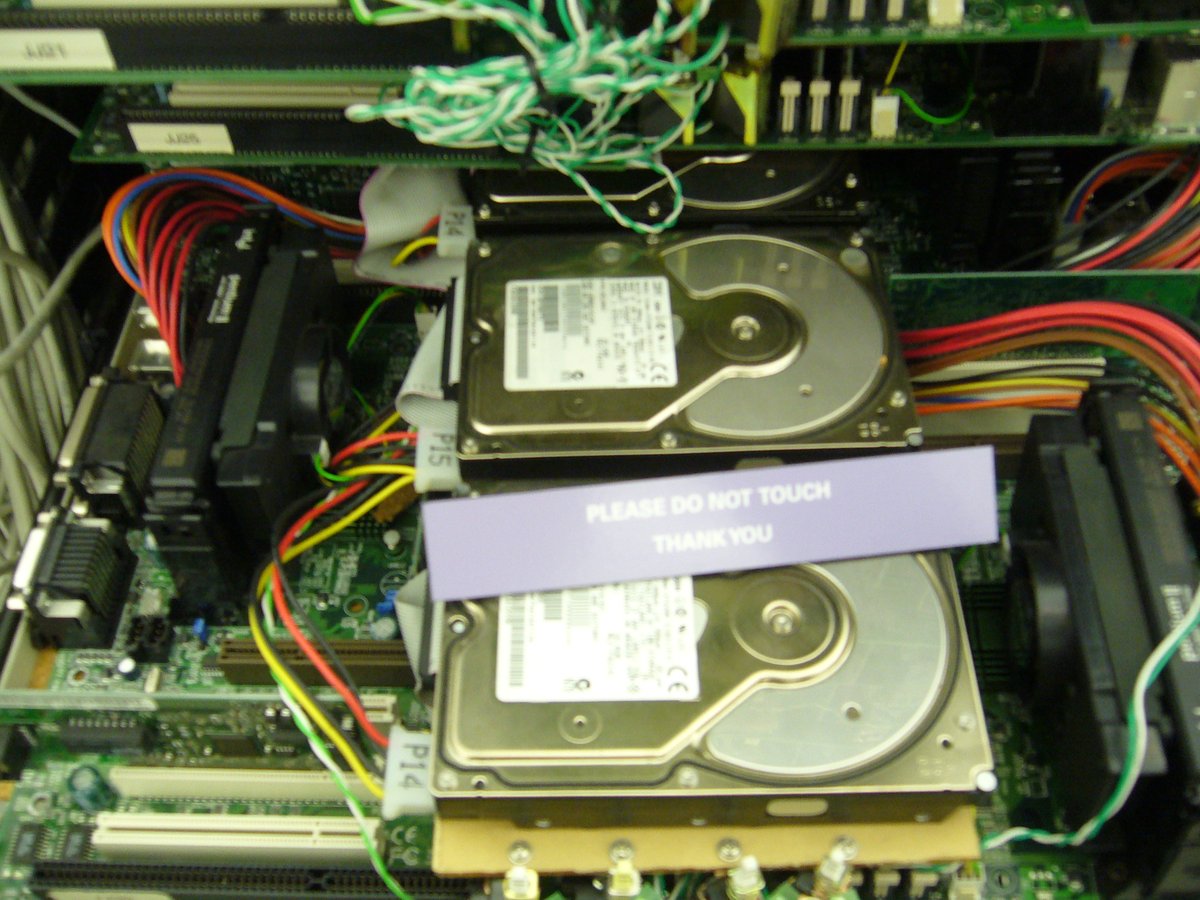
Google’s first production server, from 1999, now at the Computer History Museum. Not exactly pretty, but it worked. Photo: Takuya Oikawa / Wikimedia Commons, CC BY-SA 2.0

How the big sites got their start

A lot of the websites that run our lives today started as something smaller, or a lot weirder.

Amazon started as “Cadabra.” Jeff Bezos founded the company on July 5, 1994, under the name Cadabra, after moving from New York to Bellevue, Washington. The plan was an online bookstore. It became Amazon, and then “The Everything Store.”

eBay started as AuctionWeb, and its first sale was a broken laser pointer. Pierre Omidyar started AuctionWeb on September 3, 1995, as a hobby. One of its first sales was a broken laser pointer that went for $14. Omidyar contacted the buyer to make sure he understood it was broken, and the buyer explained he collected broken laser pointers. The site became eBay in September 1997, named after Omidyar’s consulting firm, Echo Bay Technology Group.

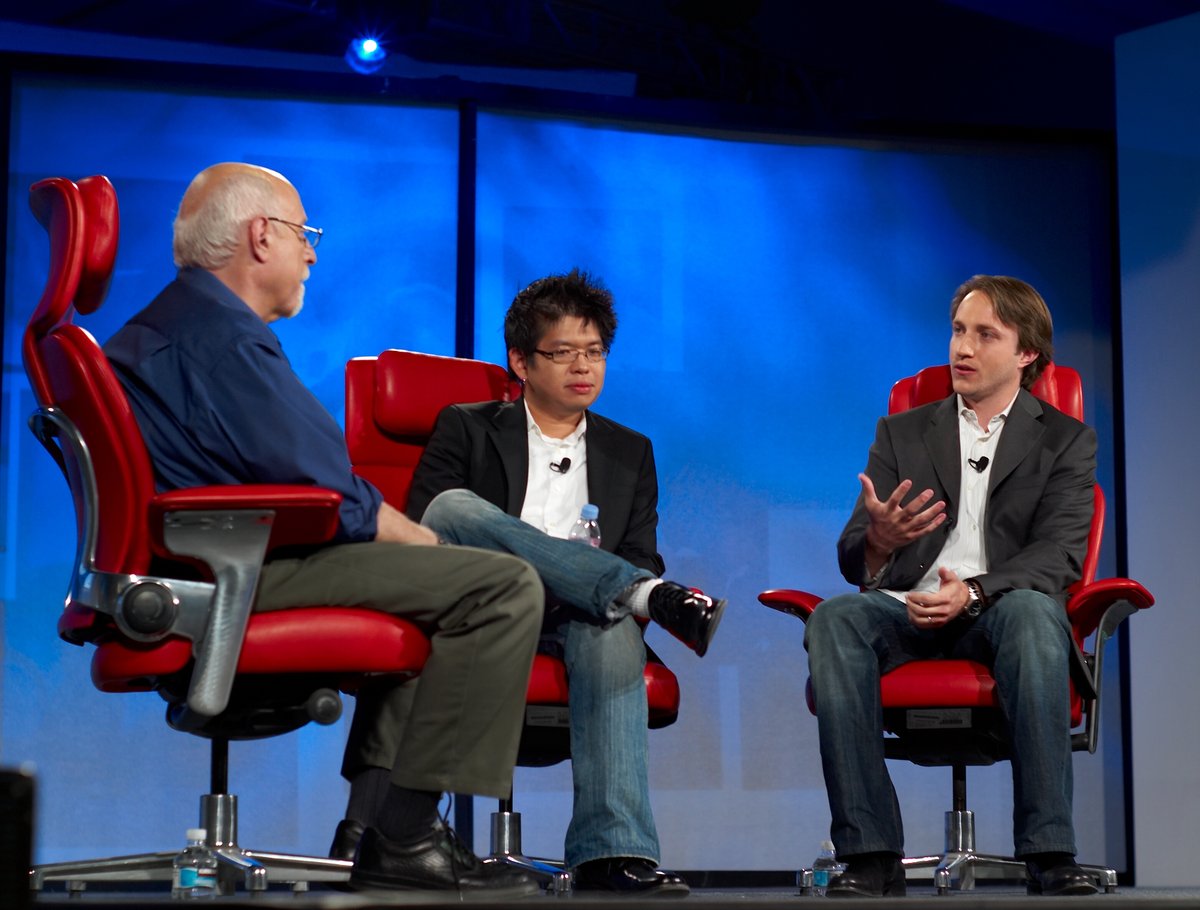
YouTube started as a video dating site. This one’s true. Chad Hurley, Steve Chen and Jawed Karim, three former PayPal employees, founded YouTube on February 14, 2005, which is Valentine’s Day. Hurley and Chen have said the original idea was a video version of an online dating service, influenced by the site Hot or Not. They couldn’t find enough people uploading dating videos, so they opened it up to any kind of video. The very first upload, on April 23, 2005, was “Me at the zoo,” 18 seconds of Karim at the San Diego Zoo talking about elephants, and it’s still up today. Google bought YouTube in 2006.

GeoCities let everybody build a homepage. It started in 1995 as Beverly Hills Internet, and it organized free homepages into themed “neighborhoods.” Yahoo bought it in 1999 and shut it down in 2009, though the Internet Archive saved much of it. (I wrote more about GeoCities in my guide to the internet in the 1990s.)

SixDegrees was social media before social media. Launched in 1997, SixDegrees let you list your friends and family and see how you were connected to everyone else, named after the “six degrees of separation” idea. It had about 3.5 million members at its height and shut down at the end of 2000, a few years too early. Friendster (2002), MySpace (2003) and Facebook (2004) took the idea mainstream.

YouTube co-founders Steve Chen and Chad Hurley on stage with Walt Mossberg
YouTube co-founders Steve Chen and Chad Hurley (center and right) with tech columnist Walt Mossberg. YouTube’s first idea was video dating. Photo: Joi Ito / Wikimedia Commons, CC BY 2.0

What the early web felt like

A few things everyone from back then will remember:

  • Watching pictures load. On a slow modem, images filled in a few lines at a time from top to bottom. You’d watch a picture slowly appear and decide halfway down whether it was worth waiting for.
  • “Under construction” signs. Half the homepages on the web had a little animated construction worker or a yellow sign promising more was coming. It usually wasn’t.
  • Hit counters and guestbooks. Every homepage proudly showed how many visitors it had and invited you to sign the guestbook.
  • Webrings. Little banners at the bottom of fan pages with “previous” and “next” buttons, linking sites on the same subject in a big circle. That’s how you found stuff before search got good.
  • Hourly limits. Early AOL plans charged by the hour, so you got on, did what you needed, and got off. Unlimited plans changed that, and then everybody’s phone line was busy all night.
  • Downloads that took all night. You’d start a big download before bed, pray nobody picked up the phone, and hope it was finished in the morning.

From the phone line to always-on

DSL had field trials around 1996, but it was expensive until the late ’90s, when the parts got cheaper. Cable internet came along at about the same time. For a few years, broadband was the thing the lucky family down the street had. By the late 2000s, it was just how you got online, and the modem screech was something you heard in a movie.

I don’t miss tying up the phone line. But I do miss a little of that early web, when every page felt like somebody’s personal project, every new site was an adventure, and a 28.8k modem was enough to make you the coolest kid you knew.

90s PC Games That Changed Everything (and Why Red Alert Is Still the Best)

I grew up on Wolfenstein 3D, DOOM, Rise of the Triad and Duke Nukem 3D, but Command & Conquer: Red Alert is the best game ever made, and I still play it today. Here’s why the ’90s were the greatest decade PC gaming ever had.

Quick answer In the 1990s the PC went from beige office box to the best game machine on the planet. id Software’s Wolfenstein 3D (1992) and DOOM (1993) invented the modern first-person shooter and spread for free as shareware. Westwood’s Command & Conquer (1995) and Red Alert (1996) made real-time strategy a household genre. CD-ROM drives made games like Myst possible, Sound Blaster cards gave games real sound, and LAN parties turned the whole thing into a social event. Red Alert is still free to download and play online today through CnCNet.
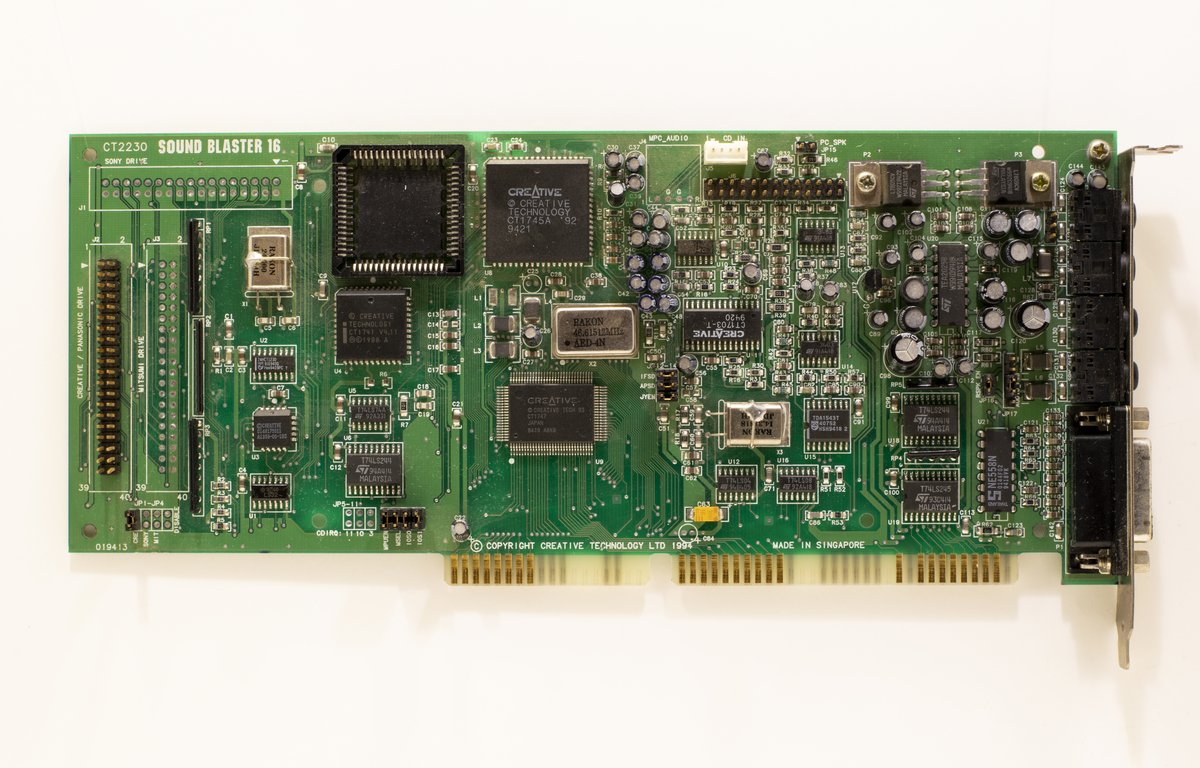
A Creative Sound Blaster 16 ISA sound card
A Sound Blaster 16, the card that gave a whole generation of PCs a voice. Photo: Oligopolism / Wikimedia Commons, CC0
Play them today

  • CnCNet (cncnet.org): free downloads of Command & Conquer, Red Alert and Tiberian Sun, plus online multiplayer for those and Red Alert 2 / Yuri’s Revenge
  • OpenRA (openra.net): a free, open-source rebuild of Red Alert, Command & Conquer and Dune 2000 for Windows, macOS and Linux
  • Command & Conquer Remastered Collection (2020) on Steam, if you want the 4K version
  • DOSBox, a free emulator for running old DOS games you already own

Why the ’90s were different

If you were a kid with access to a PC in the early ’90s, you remember the feeling. Every few months something came out that nobody had ever seen before. Not a little better than last year. Completely new. One year you’re steering a little guy around a flat screen, and the next you’re running down a hallway in what looks like real 3D, with sound effects coming out of a card your dad installed on a Saturday afternoon.

That’s the thing that’s hard to explain to anybody who grew up later. Today’s games are incredible, but they get better in steps. In the ’90s, whole genres were being invented in somebody’s office in Texas or Las Vegas, and you’d find out about it because a friend handed you a floppy disk at school.

This post is my trip back through it: the shooters that started it all, the strategy games I still play, the adventure games we had to look up hints for in magazines, and all the stuff around the games, like shareware, CD-ROMs, Sound Blaster cards, memory tweaks and LAN parties.

Shareware: the free first episode that hooked everybody

Before we get to the games, you have to understand how most of us got them. A lot of the big early PC hits didn’t start in a store. They started as shareware.

The idea was simple, and a company called Apogee Software made it famous. Apogee was founded by Scott Miller in Garland, Texas, in 1987. Its model was to split a game into three episodes, give the first one away free, and sell the other two. You’d play the free episode, get to the end, and the game would tell you how to order the rest. Apogee used that model for Commander Keen, for its own Duke Nukem games, and for Wolfenstein 3D.

The free episodes spread everywhere. People uploaded them to dial-up bulletin board systems (BBSs), copied them onto floppies for friends, and later found them on magazine cover discs and early websites. The whole thing worked because everyone was willing to pass the free part along. If you had a friend with a modem, you had shareware.

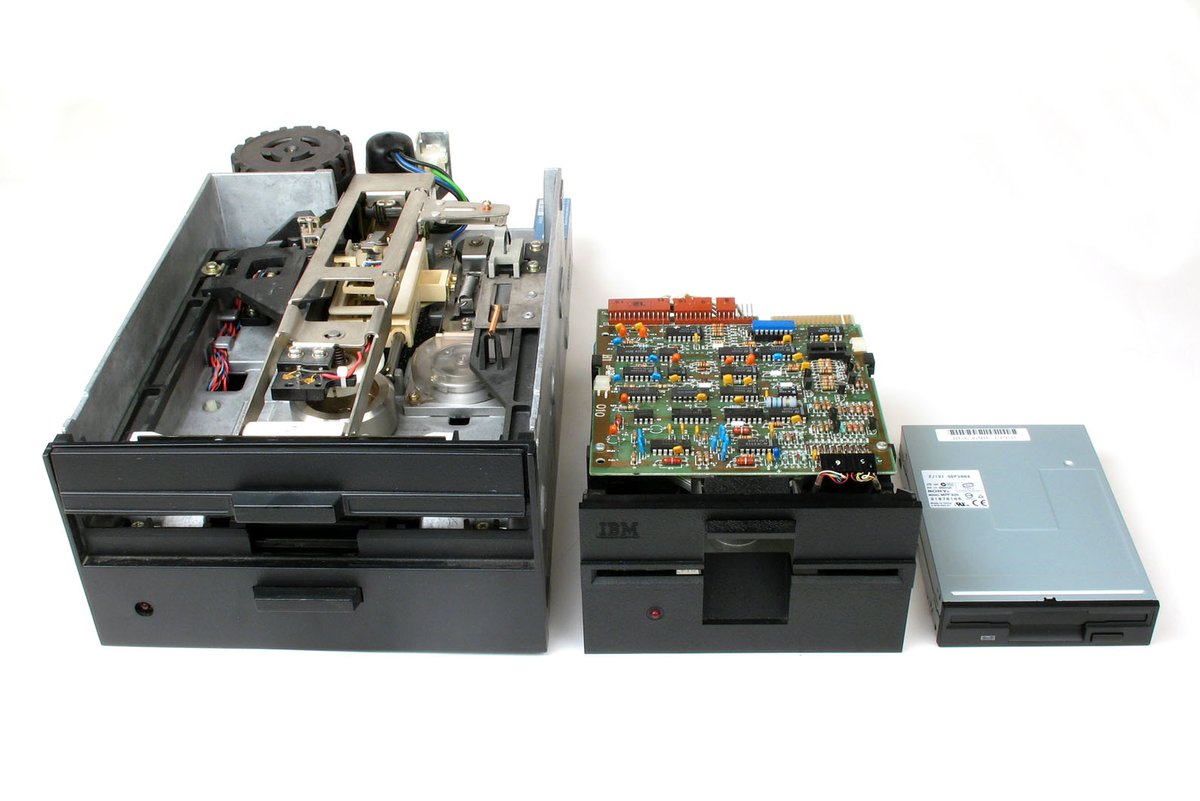
Three floppy disk drives: 8-inch, 5.25-inch and 3.5-inch
Floppy drives in three sizes. By the early ’90s most of us were on 3.5-inch disks, and a big game could fill a stack of them. Photo: Michael Holley (Swtpc6800) / Wikimedia Commons, public domain

Wolfenstein 3D (1992): the one that started it

id Software had already made a name with Commander Keen, but Wolfenstein 3D is the one that changed everything. In the early morning of May 5, 1992, id and Apogee uploaded the first episode to bulletin board systems as shareware.

The game was a fast, violent remake of the 1981 game Castle Wolfenstein. You play B.J. Blazkowicz, an Allied spy escaping a Nazi prison, with a knife, a pistol and whatever you could pick up along the way. Programmer John Carmack built the engine. John Romero and Tom Hall designed the game, Adrian Carmack (no relation) did the art, and Bobby Prince did the music and sound.

The trick that made it work on the computers of the day was that Carmack kept everything on one flat level. No stairs, no hills, no looking up or down. But it moved fast, and when you turned a corner and a guard yelled at you in German, it felt real in a way nothing before it had.

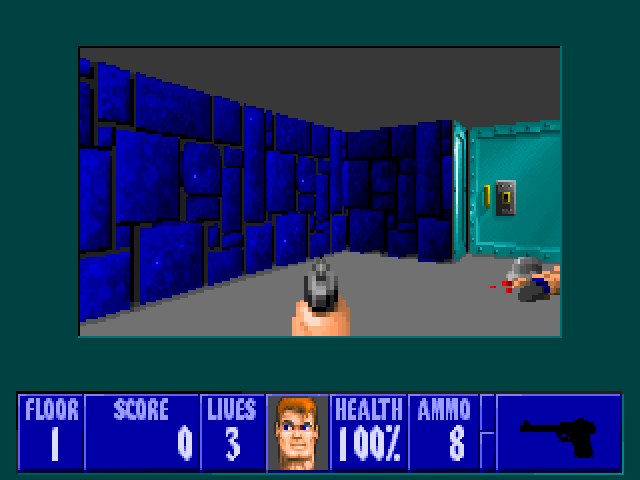
Wolfenstein 3D gameplay screenshot from the first level of the shareware episode
Wolfenstein 3D (id Software / Apogee Software, 1992), the first level of the free shareware episode. Screenshot captured by djgaston.com from the freely distributed shareware version running in DOSBox; screenshot used for commentary.

Wolfenstein 3D also had a second life that nobody planned. It wasn’t designed to be modified, but players built their own level and character editors anyway, and Apogee later even released a pack of over 800 fan-made levels. That was a sign of things to come.

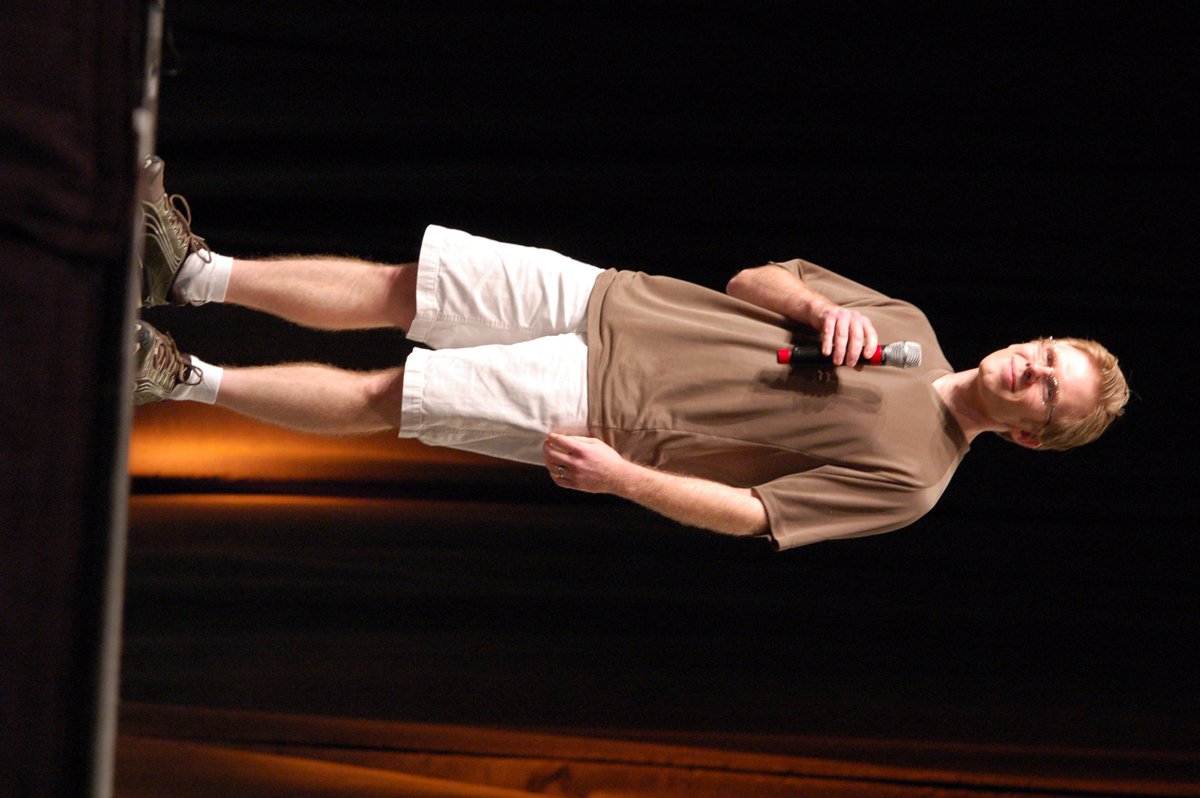
John Romero speaking at GDC 2023
John Romero, co-designer of Wolfenstein 3D, DOOM and Quake, at the Game Developers Conference in 2023. Photo: Official GDC / Wikimedia Commons, CC BY 2.0

DOOM (1993): the game that ate the world

If Wolfenstein lit the match, DOOM was the explosion. At midnight on December 10, 1993, after about 30 straight hours of testing, the team at id uploaded the first episode to the internet and let players spread it themselves.

You’re a space marine (fans later started calling him Doomguy) fighting demons on the moons of Mars and, eventually, in Hell. Compared to Wolfenstein, DOOM had stairs, lifts, different heights, flickering lights and dark rooms. The monsters were still flat pictures in a 3D world, which is why people sometimes call it “2.5D,” but in 1993 nobody cared. It looked amazing.

Two things made DOOM bigger than just a great game.

Deathmatch. DOOM was the first game to coin the term “deathmatch.” Romero has said the idea was inspired by fighting games like Street Fighter II. Hooking up two or four PCs and hunting your friends was a whole new kind of fun, and “fragging” became part of the vocabulary.

WAD files. DOOM kept its levels and graphics in separate files called WADs (short for “Where’s All the Data?”). Carmack had been impressed by what fans did to Wolfenstein and designed DOOM so its data was easy to swap out. Fans figured out the rest, and a flood of custom levels and mods followed. That modding culture, which basically every PC game community still has, comes straight from here.

DOOM sold an estimated 3.5 million copies by 1999, and that doesn’t count all the people who only ever played the free shareware episode. A retail version with a fourth episode came out in 1995 as The Ultimate Doom.

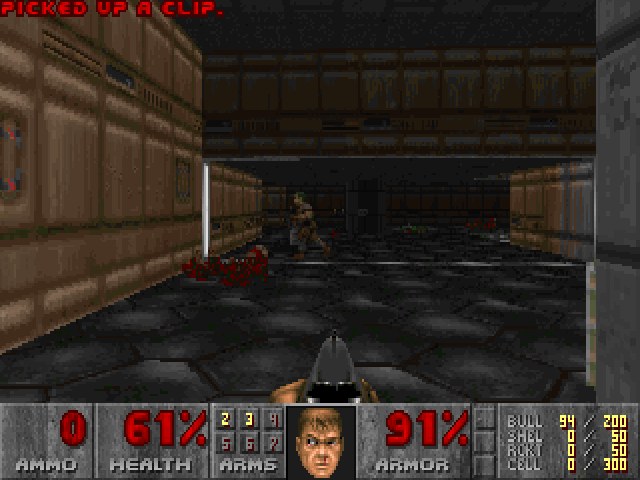
DOOM gameplay screenshot from the shareware episode's demo playback
DOOM (id Software, 1993), from the shareware episode’s built-in demo. Note the status bar face. Screenshot captured by djgaston.com from the freely distributed shareware version running in DOSBox; screenshot used for commentary.

Rise of the Triad (1994-1995): Apogee’s wild one

Rise of the Triad started life as a follow-up to Wolfenstein 3D, then turned into its own game. Apogee released the shareware version, Rise of the Triad: The Hunt Begins, in 1994, and the full game, Rise of the Triad: Dark War, in 1995.

It ran on a modified version of the Wolfenstein 3D engine, but Apogee pushed that engine further than anybody expected, adding elevation, dynamic lighting and levels stacked on top of each other. You picked one of five members of a special forces team sent to stop a cult on an island off the coast of Los Angeles, and each character had different health, speed and accuracy.

What I remember most is how over-the-top it was. Rockets everywhere, jump pads that launched you across the room, and a sense of humor that didn’t take itself seriously at all. It never got the fame of DOOM, but if you played it, you remember it. And it’s had a second life too: a remake came out in 2013, and a remaster called Rise of the Triad: Ludicrous Edition came out in 2023.

Duke Nukem 3D (1996): the shooter with a personality

Duke Nukem had already starred in two side-scrolling games from Apogee. In 1996, Duke went 3D, released under Apogee’s new 3D Realms name. The shareware version came out on January 29, 1996, and the full game followed on April 19, 1996.

Duke Nukem 3D felt different from DOOM because the world felt like a real place. You could flip light switches, break things, use toilets and play pool. Levels were set in places you recognized, like city streets, movie theaters and strip clubs, instead of abstract bases. And Duke talked, voiced by Jon St. John, with one-liners lifted from every action movie of the ’80s.

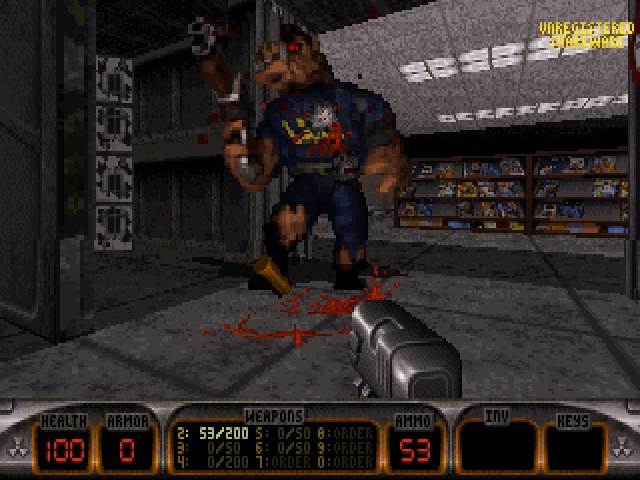
Duke Nukem 3D gameplay screenshot showing a Pig Cop enemy
Duke Nukem 3D (3D Realms, 1996), from the v1.3D shareware episode’s demo, with one of the game’s Pig Cops. Screenshot captured by djgaston.com from the freely distributed shareware version running in DOSBox; screenshot used for commentary.

It was also controversial for its violence and its adult content, which, let’s be honest, is part of why every teenager I knew wanted it. Reviewers loved it anyway, for its interactive environments and level design, and it’s still considered one of the games that made the first-person shooter popular, alongside Wolfenstein 3D, DOOM and Quake. An expansion, the Plutonium PAK, came out later in 1996, and the Atomic Edition bundled it all together that December.

Quake (1996): real 3D and the internet

id’s follow-up to DOOM, Quake, came out in 1996. Where DOOM faked its 3D, Quake’s engine rendered everything in real-time 3D, monsters included, and it had early support for 3D accelerator cards. If you saw Quake running on a machine with one of those cards, it was jaw-dropping.

The setting is a strange mix of military bases and gothic castles, inspired partly by H.P. Lovecraft and partly by a Dungeons & Dragons campaign the id staff had played. The music was by Trent Reznor and Nine Inch Nails.

The biggest deal, though, was online play. Quake supported playing over the internet, and id followed it with QuakeWorld, which added a technique called client-side prediction to make online play feel smoother on slow connections. That technique became standard in almost every online game since.

John Carmack speaking at QuakeCon 2008
John Carmack, the programmer behind the Wolfenstein 3D, DOOM and Quake engines, at QuakeCon 2008. Photo: QuakeCon / Wikimedia Commons, CC BY 2.0

Command & Conquer (1995): Westwood invents the modern RTS

Now we get to my favorite part of the decade.

Westwood Studios, out of Las Vegas, had already made Dune II, the game most people point to as the first modern real-time strategy game. Westwood’s next strategy game was supposed to move on from Dune, and in 1995 it shipped Command & Conquer (fans later called it Tiberian Dawn to tell it apart from the sequels).

The setup: a strange substance called Tiberium spreads across the Earth, and a war breaks out between the Global Defense Initiative (GDI), backed by the United Nations, and the Brotherhood of Nod, a cult-like army led by the bald, intense Kane. You harvest Tiberium for money, build a base, crank out tanks and infantry, and try to wipe out the other side, all in real time.

What made C&C feel like an event were the live-action videos between missions. Actual people, mostly Westwood employees plus a few professional actors, giving you briefings and taunting you. Joseph D. Kucan, who played Kane, became the face of the whole series. The Gulf War was fresh in everyone’s mind, and the game’s modern-warfare look and TV-news style briefings fit the moment perfectly.

It was a huge hit, selling over three million copies, and it’s widely credited as the game that defined and popularized real-time strategy. It also came on two CDs, one for each side, which meant you and a buddy could play against each other with one copy. Westwood knew exactly what it was doing.

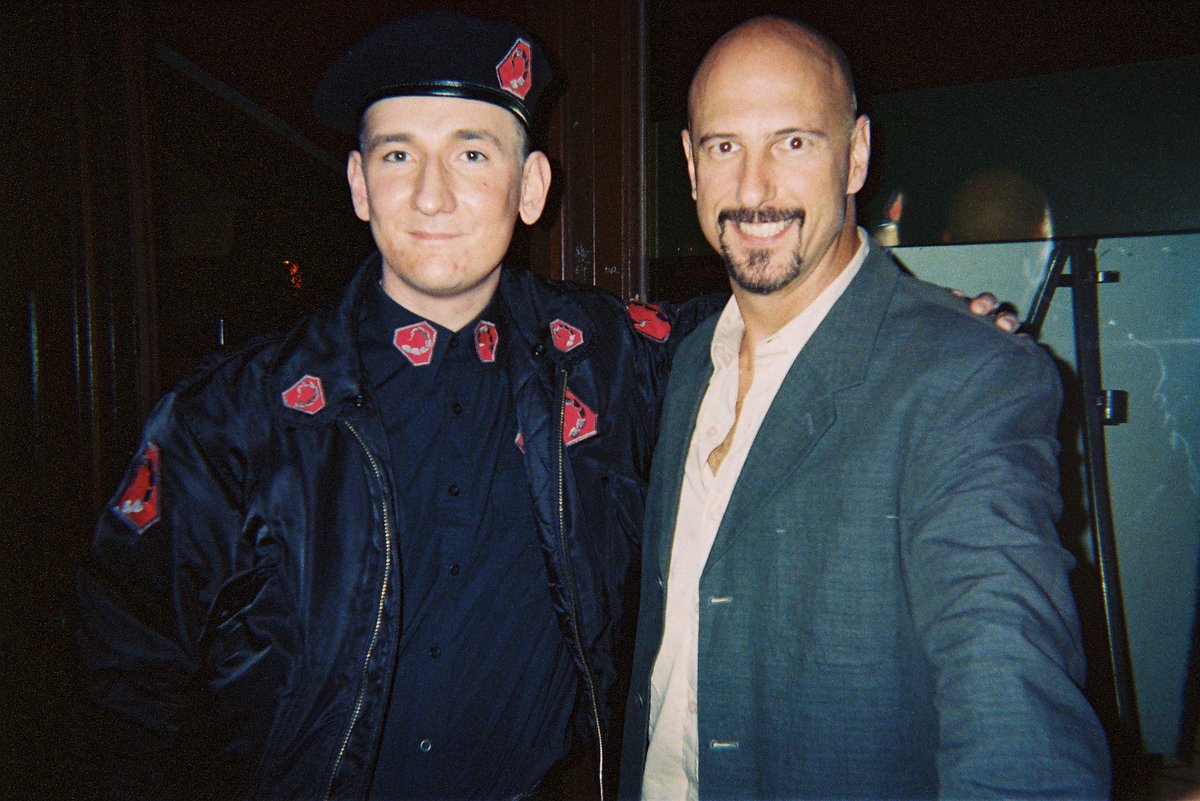
Joseph D. Kucan at Games Convention 2007
Joseph D. Kucan, who played Kane in the Command & Conquer series, at Games Convention in 2007. Photo: Ralf Zillmann / Wikimedia Commons, CC BY-SA 3.0

Red Alert (1996): the best game ever made (I’m not arguing about this)

Command & Conquer: Red Alert came out in 1996, and it’s my favorite game of all time. I still play it. That’s not nostalgia talking, or not only nostalgia. It just holds up.

Red Alert is a prequel to the original C&C, set in an alternate history where the Allies fight an aggressive Soviet Union for control of Europe. It shipped with both DOS and Windows 95 versions in the same box, and it came on two discs, Allied and Soviet, so once again a pair of friends could share a copy for multiplayer.

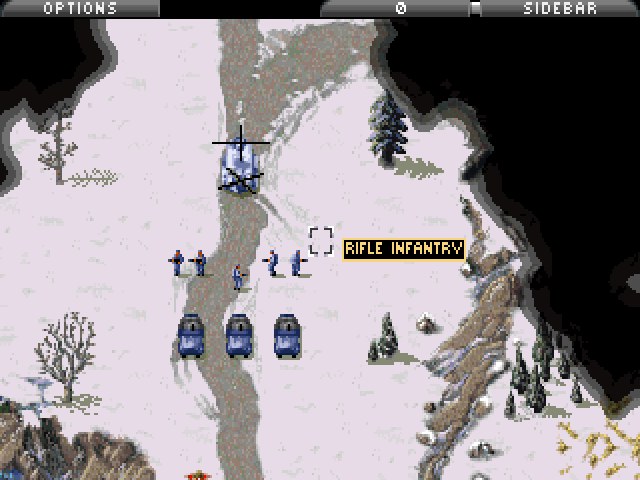
Command and Conquer Red Alert gameplay screenshot of the first Allied mission in the snow
Command & Conquer: Red Alert (Westwood Studios, 1996), the first Allied mission. Screenshot captured by djgaston.com from the freely distributed freeware release (DOS version) running in DOSBox; screenshot used for commentary.

Here’s what made it special for me:

  • The two sides really played differently. The Allies had faster, lighter units and tricks like spies and the Chronosphere. The Soviets had heavy tanks, Tesla coils and the Iron Curtain. Learning to beat each one with the other was the whole game.
  • Naval battles. Destroyers, submarines and gunboats added a whole extra layer to maps with water.
  • The videos. The cheesy-but-awesome live-action briefings were back, and the alternate-history story was just fun.
  • The music. Frank Klepacki’s score, especially “Hell March,” with its marching boots, guitar riffs and chanting, is one of the most recognizable pieces of game music ever. PC Gamer voted the soundtrack the best of 1996.
  • Multiplayer. Over a LAN, a modem or the internet, Red Alert was the game we played until the sun came up.
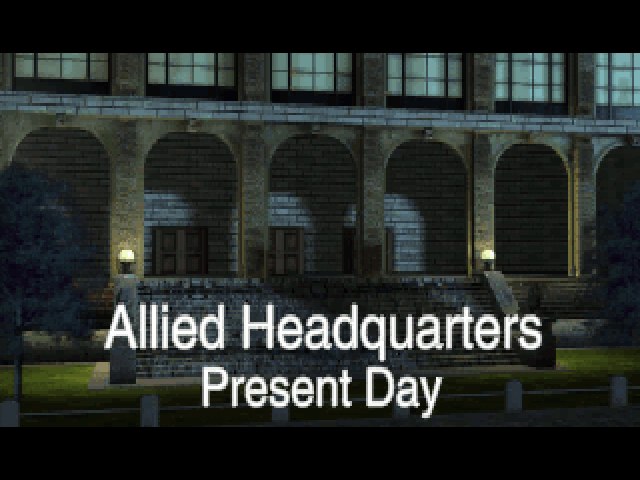
Red Alert full-motion video scene titled Allied Headquarters, Present Day
One of Red Alert’s full-motion video scenes, Command & Conquer: Red Alert (Westwood Studios, 1996). Screenshot captured by djgaston.com from the freely distributed freeware release (DOS version) running in DOSBox; screenshot used for commentary.

Two expansions followed, Counterstrike and The Aftermath, and the PlayStation got a version called Retaliation that bundled their missions with some new video scenes. Red Alert is still widely ranked among the greatest games ever made.

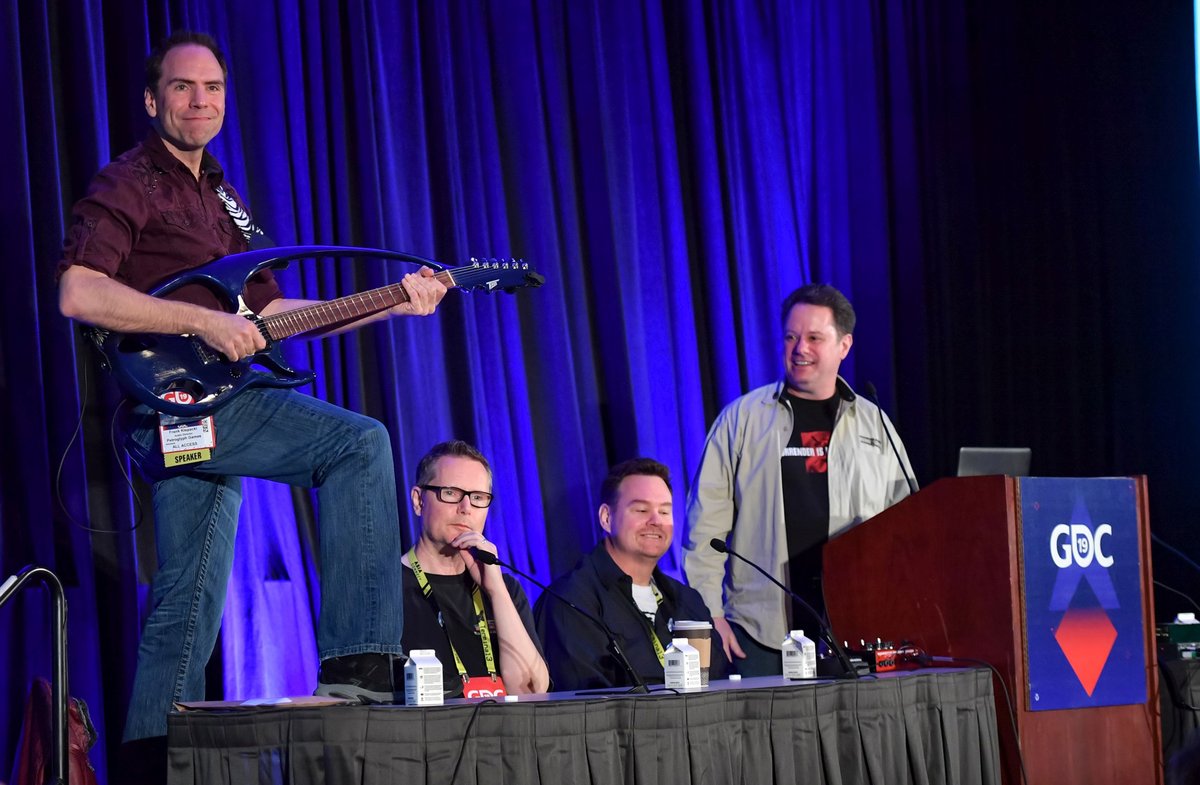
Composer Frank Klepacki at GDC 2019
Frank Klepacki, the composer behind “Hell March” and much of the Command & Conquer music, at GDC 2019. Photo: Official GDC / Wikimedia Commons, CC BY 2.0

How to play Red Alert free today

This is the best part. You don’t need your old CDs.

On August 31, 2008, to mark the series’ anniversary and promote Red Alert 3, Electronic Arts (which bought Westwood in 1998) released the original Red Alert as freeware. EA had already done the same for the original Command & Conquer in 2007, and it did it for Tiberian Sun on February 12, 2010.

The easiest way to get it now is CnCNet, a community project that has been keeping classic C&C games playable since 2009. CnCNet offers free downloads of Command & Conquer, Red Alert and Tiberian Sun, patched to run on modern Windows, with the original campaigns and online multiplayer. It also runs online play for Red Alert 2, Yuri’s Revenge and Dune 2000 (you need your own copy of those).

The other option is OpenRA, a free, open-source project that rebuilds Red Alert, Command & Conquer and Dune 2000 from the ground up. It runs natively on Windows, macOS and Linux, and it adds modern touches like attack-move and unit veterancy, plus online play, custom maps and updated campaigns. It plays a little differently from the 1996 original, so purists may prefer CnCNet, but it’s a great way in.

And if you want to spend a few bucks, the Command & Conquer Remastered Collection, released June 5, 2020, on Steam, rebuilds the original C&C and Red Alert with 4K graphics, remastered music and all the expansions.

The rest of the Command & Conquer family

Red Alert is the king, but the rest of the series deserves a lap:

  • Tiberian Sun (1999) picked the GDI-versus-Nod story back up in the year 2030, with a darker sci-fi look, a new engine with varied terrain, and big-name actors like James Earl Jones and Michael Biehn in the videos. Its expansion was Firestorm.
  • Red Alert 2 (2000) and its expansion Yuri’s Revenge went fully goofy in the best way, with mind control, giant squid and Soviets invading America. Yuri’s Revenge is the best-reviewed expansion in the series, and plenty of people rank RA2 right up there with the original.
  • Renegade (2002) was a first-person shooter set during the first game’s war. Reviews were average, but its online mode was a lot of fun. It was the last C&C game Westwood made before EA closed the studio in 2003.
  • Generals (2003) and its expansion Zero Hour left the Tiberium and Red Alert stories behind for a near-future war between the United States, China and a fictional terrorist group. It was the first fully 3D C&C strategy game.
  • Command & Conquer 3: Tiberium Wars (2007) brought Kane back, added an alien third faction called the Scrin, and got the expansion Kane’s Wrath.
  • Red Alert 3 (2008) added a third faction, the Empire of the Rising Sun, and was the first RTS to let you play the campaign co-op online.
  • Command & Conquer 4: Tiberian Twilight (2010) wrapped up the Tiberium story, but most fans didn’t like how far it moved away from classic base-building.

The series as a whole had sold 30 million copies by 2009.

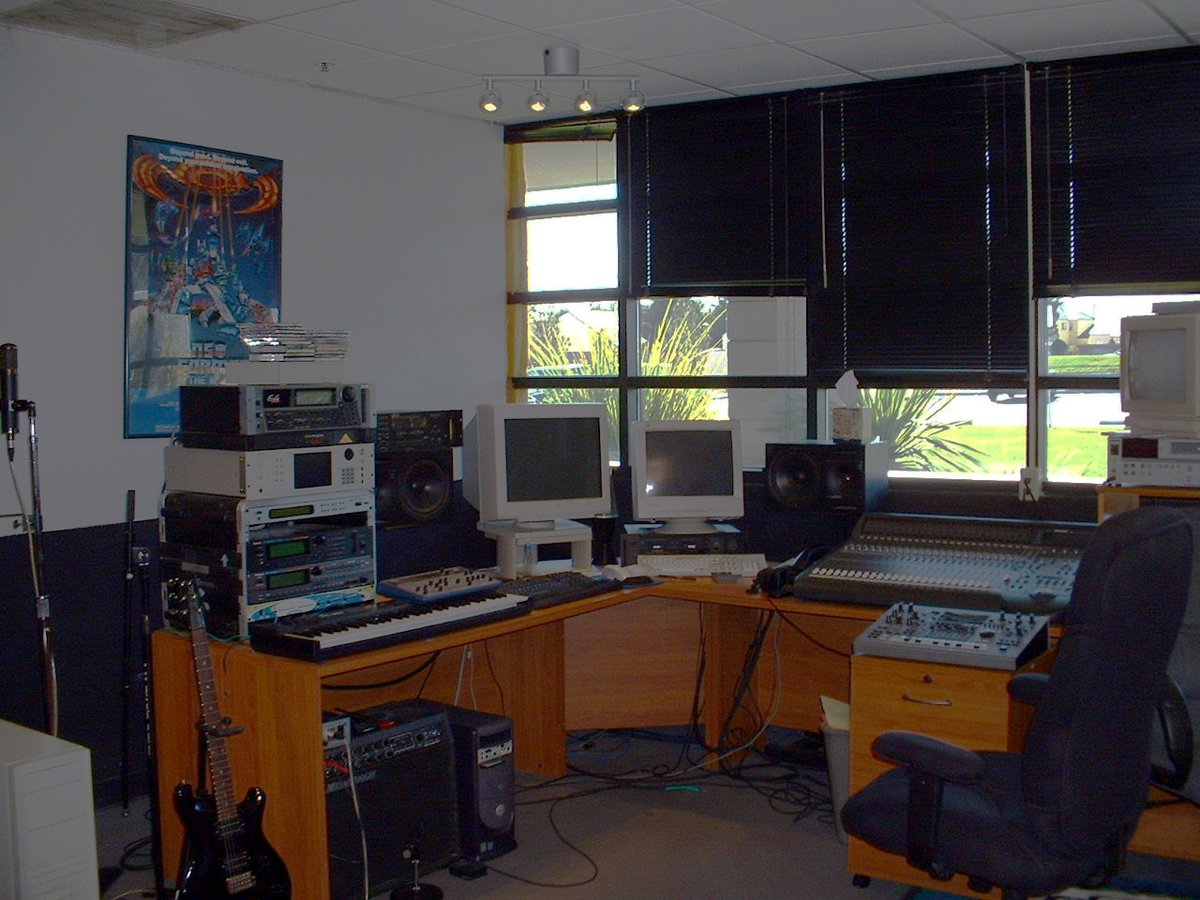
Former Westwood Studios office building in Las Vegas
The former Westwood Studios office, where Command & Conquer and Red Alert were made. Photo: Frank Klepacki / Wikimedia Commons, CC BY-SA 3.0

Warcraft II and StarCraft: Blizzard joins the fight

C&C had real competition, and it came from Blizzard. Warcraft II: Tides of Darkness came out in North America on December 5, 1995, and won most of the big PC gaming awards in 1996. Orcs versus humans, ships on the water, fog of war hiding the map. Its expansion, Beyond the Dark Portal, came out in 1996.

Then on March 31, 1998, Blizzard released StarCraft, with three races that played completely differently: the human Terrans, the insect-like Zerg and the psychic Protoss. It was the best-selling PC game of 1998, and it got so big in South Korea that it turned into one of the first real esports, with pro players and televised tournaments.

The Red Alert versus Warcraft II argument was a real thing at my school. I know which side I was on.

Diablo: one more dungeon level

Blizzard’s Diablo started shipping to stores in late December 1996 and was widely available by early January 1997. You pick a warrior, rogue or sorcerer and head down through 16 randomly generated dungeon levels under the town of Tristram, all the way to Hell. Because the levels and loot changed each time, it was dangerous to start a game after dinner on a school night. It also came with Blizzard’s free Battle.net online service, which made playing with strangers over the internet easy for the first time for a lot of people.

Myst, SimCity 2000 and the CD-ROM revolution

Not every big game of the ’90s was about blowing things up.

Myst came out for the Mac on September 24, 1993 (the PC version followed). You arrive on a quiet island and figure it out by clicking around beautiful pre-rendered pictures and solving puzzles. No enemies, no timer, barely any instructions. It sold more than six million copies and was the best-selling PC game for nearly a decade. It’s also often credited with helping sell CD-ROM drives, since there was no way all those images would have fit on floppies.

SimCity 2000, from Will Wright and Fred Haslam at Maxis, also came out in 1993. It took the original SimCity and tilted it into a gorgeous isometric view, with water pipes, subways, newspapers and, of course, disasters you could turn on just to watch. It sold about 4.23 million copies.

The CD-ROM itself was a huge deal. A floppy held about 1.44 MB, and a CD held around 650 MB, hundreds of times more. That’s what made room for C&C’s videos, Myst’s pictures and real recorded music. A double-speed CD-ROM drive was a big upgrade around 1993 or 1994, and by the end of the decade it was hard to buy a PC without one.

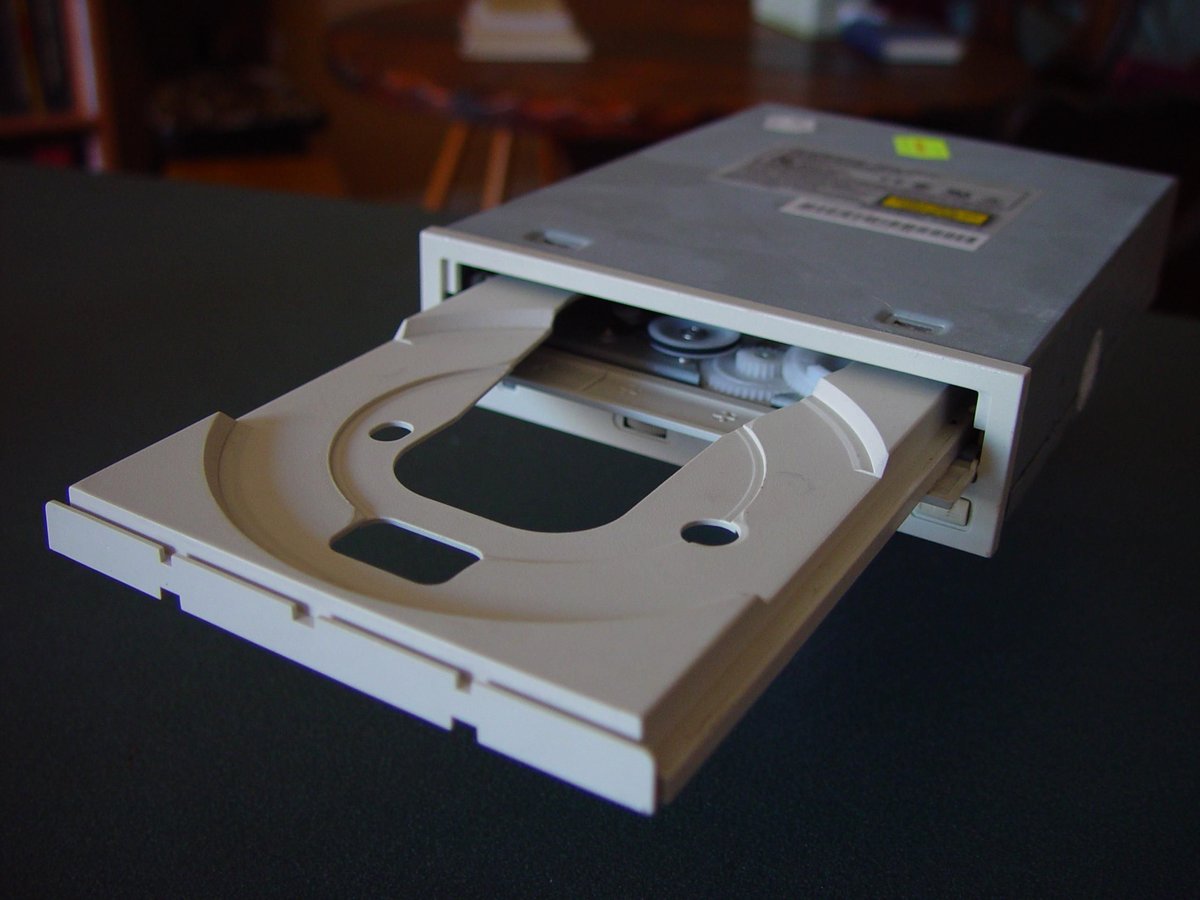
A CD-ROM drive with its tray open
A CD-ROM drive with the tray out. Remember using it as a cup holder? Photo: Leon Brooks / Wikimedia Commons, public domain

School computers: The Oregon Trail

For a lot of us, the first computer game we ever played was at school. The Oregon Trail goes all the way back to a text game written in 1971, but the version most people remember is the graphical one MECC released in 1985 for the Apple II, followed by DOS (1990), Mac (1991) and Windows (1993) versions. You lead a wagon party from Independence, Missouri, to Oregon’s Willamette Valley in 1848, buy supplies, ford rivers, hunt, and watch your party come down with dysentery. Everybody died of dysentery. It’s a rite of passage.

LucasArts and Sierra: the adventure game years

Point-and-click adventure games were huge in the early ’90s, and two companies ruled them.

From Lucasfilm Games (later LucasArts) came The Secret of Monkey Island (1990), designed by Ron Gilbert with Tim Schafer and Dave Grossman. You play Guybrush Threepwood, a young man who wants to be a pirate. Gilbert designed it so you could almost never die, which meant you could explore and goof around without fear. It’s still one of the funniest games ever written. Insult sword fighting alone is worth the price.

And from Sierra On-Line came King’s Quest, Space Quest, Police Quest and the one every kid wanted to play but wasn’t supposed to: Leisure Suit Larry.

Leisure Suit Larry and the “are you an adult?” quiz

Leisure Suit Larry in the Land of the Lounge Lizards came out from Sierra in 1987, written by Al Lowe, and it ran on the floppy-disk PCs a lot of us had in the house. It’s an adults-only comedy about Larry Laffer, a hopeless guy in a leisure suit trying to find love in the fake city of “Lost Wages.” It was a sleeper hit, even with almost no advertising, and spawned a long series of sequels. Sierra remade the first game in 1991 with 256-color graphics and a point-and-click interface.

Here’s the part every ’90s kid remembers. Because it was for adults, the game started with an age-verification quiz: a set of trivia questions that Al Lowe figured kids wouldn’t know the answers to. The way I remember it, they were things like what year we landed on the moon, or who was president in a certain year. Stuff any grown-up knew off the top of their head.

And he was right, we didn’t know the answers. So what did we do? We walked into the kitchen and asked Mom or Dad. And they’d happily answer, because they figured it was homework. Lol. I can’t be the only one who did that. Then you’d run back to the computer and type in the answer before anybody wondered why your “homework” had a guy in a white leisure suit on the screen.

The funny part is, there were only about a dozen questions in the pool, so they kept coming back around. Once you’d asked your parents a few times, you knew all the answers for good, and you never had to ask again.

(The game was honestly pretty tame by today’s standards, mostly double meanings and jokes. But as a kid, getting past that quiz felt like cracking a safe.)

Al Lowe, creator of Leisure Suit Larry, at a fan event
Al Lowe, the creator of Leisure Suit Larry, and the man who wrote the trivia quiz our parents unknowingly helped us pass. Photo: Tim Bartel / Wikimedia Commons, CC BY-SA 2.0

Half-Life (1998): the decade’s big finish

Valve’s first game, Half-Life, came out on November 19, 1998, published by Sierra. You play Gordon Freeman, a physicist trying to escape the Black Mesa Research Facility after an experiment goes horribly wrong. The engine was a heavily modified version of the Quake engine, but what made it special was the storytelling. There were almost no cutscenes. The story happened around you while you kept control, through scripted scenes on the tram ride in and everything after.

It won more than 50 Game of the Year awards and had sold more than nine million copies by 2008. And because it was so easy to mod, it spawned a pile of fan-made mods. The most famous one, Counter-Strike, turned into a giant on its own and took over the LAN parties of the early 2000s.

Sound Blaster: when games learned to talk

Early PCs only had a little internal speaker that could beep. That’s it. Games did their best with it, but if you wanted real music and sound effects, you needed a sound card, and the name everyone knew was Sound Blaster.

Creative Labs introduced the first Sound Blaster in 1989. Through the early ’90s, Sound Blaster cards were the standard for PC audio. Games had a setup screen where you’d pick your sound card, and “Sound Blaster or 100% compatible” was the safe answer. By 1995, Creative had sold more than 15 million Sound Blaster cards, about seven out of every ten sound cards sold. The Sound Blaster 16 came with the slogan “Get Real.” Windows 95 eventually standardized sound for games, and sound got built into motherboards, so the cards mattered less over time.

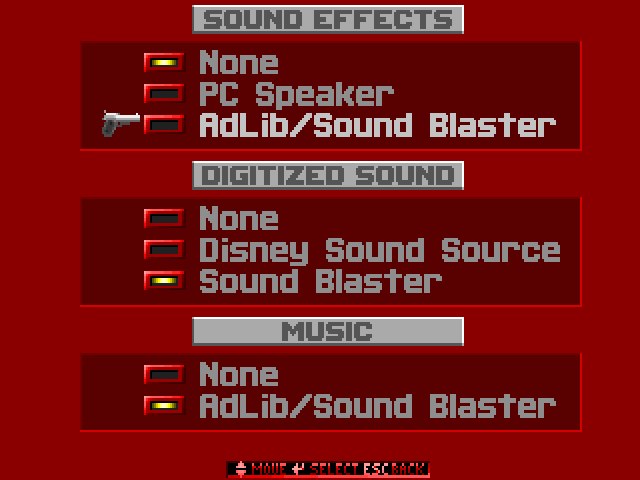
Wolfenstein 3D sound options menu listing PC Speaker, AdLib/Sound Blaster and Disney Sound Source
Wolfenstein 3D’s sound menu: PC Speaker, AdLib/Sound Blaster or the Disney Sound Source. Wolfenstein 3D (id Software / Apogee Software, 1992). Screenshot captured by djgaston.com from the freely distributed shareware version running in DOSBox; screenshot used for commentary.

Oh, and then you had to know your card’s settings. Remember typing in things like the IRQ and DMA numbers, and “Address 220”? If you got those wrong, the game played in silence, or locked up. Which brings us to…

DOS memory tweaks and the boot disk

Every ’90s PC gamer learned a little bit of system administration whether they wanted to or not.

DOS had a famous limit: programs ran in the first 640 KB of memory, called conventional memory, no matter how much RAM your computer actually had. Your mouse driver, CD-ROM driver and sound drivers all wanted a piece of that 640 KB too. So a big game would refuse to start and tell you it needed, say, 580 KB free, and you’d only have 540.

So you learned to edit two files, CONFIG.SYS and AUTOEXEC.BAT. You’d load HIMEM.SYS and EMM386, add “DOS=HIGH,UMB,” and use LOADHIGH or DEVICEHIGH to shove drivers out of the way into upper memory. You’d run MEMMAKER and hope. A lot of people kept a separate boot floppy just for games, with only the drivers that game needed, so they could restart and get every last kilobyte back.

Later games got around this with “DOS extenders” (you might remember DOS/4GW flashing on the screen as DOOM and plenty of others started), which let them use all your extended memory. But for a few years there, getting a new game to run was its own puzzle game.

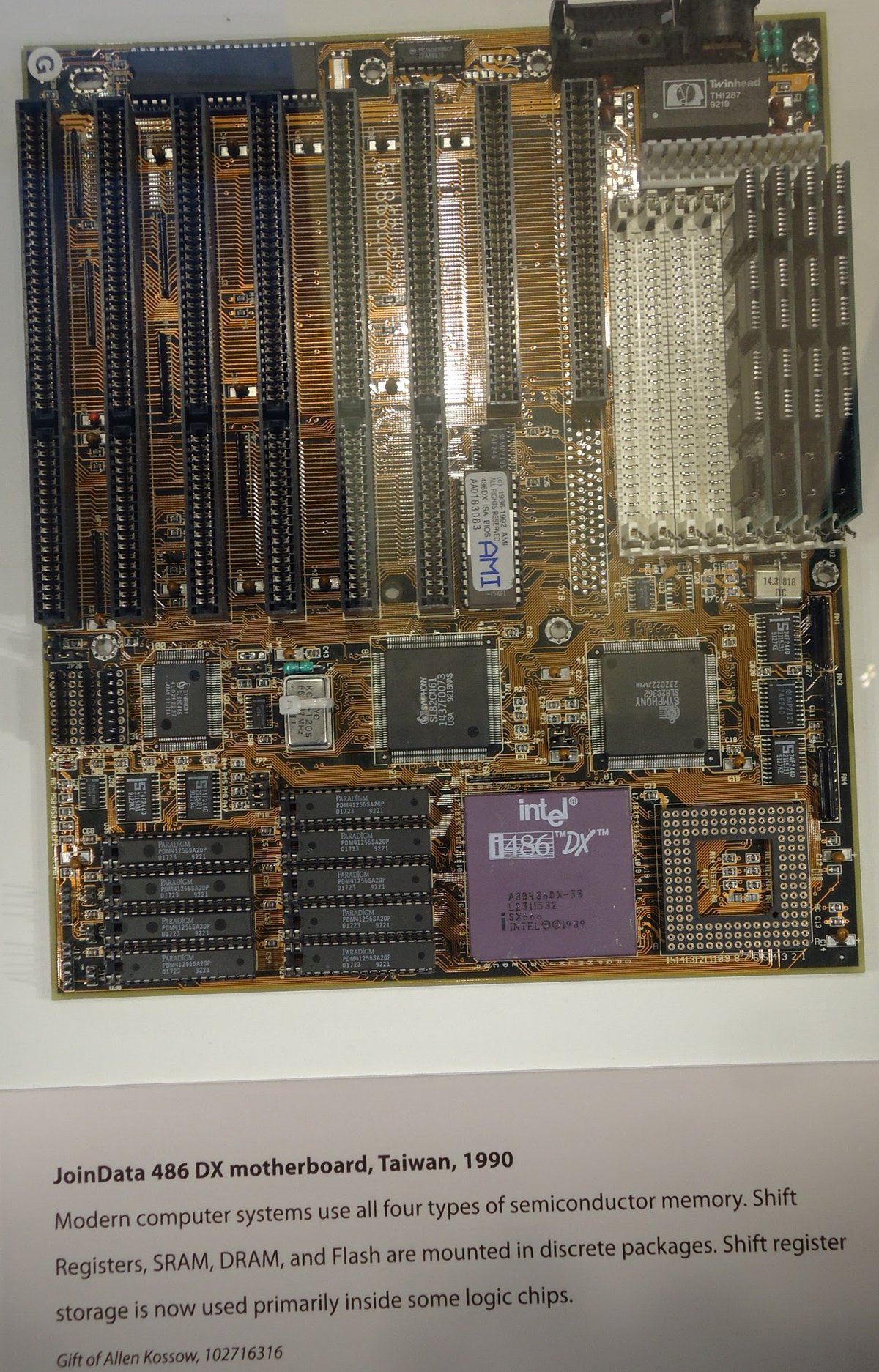
A 486 DX motherboard on display at the Computer History Museum
A 486 motherboard at the Computer History Museum. A 486 was the machine to have for DOOM. Photo: Tomwsulcer / Wikimedia Commons, CC0

LAN parties: hauling a CRT to a buddy’s house

Online play existed, but on dial-up it was laggy and tied up the phone. The real way to play multiplayer was to put the computers in the same room.

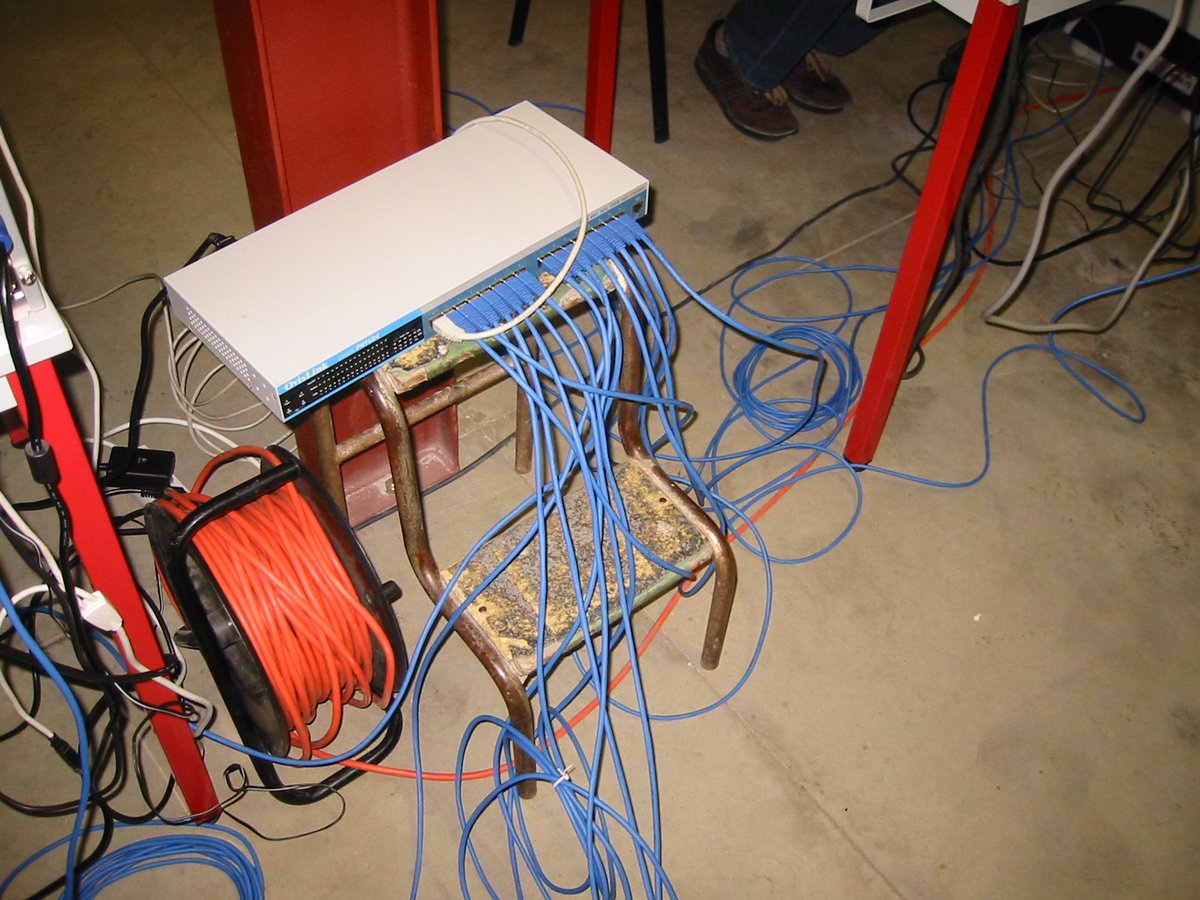
A LAN party meant everybody loading up their full desktop, a huge CRT monitor, keyboard, mouse and a tangle of cables, and driving to somebody’s house. Somebody had a hub, somebody had extra network cables, and everybody spent the first hour getting the network working and installing the same version of the game. Then you played Red Alert, DOOM, Duke 3D, Quake, StarCraft or Warcraft II all night, fueled by pizza and soda.

Private LAN parties peaked in the late ’90s and early 2000s, when broadband was either unavailable or too expensive for most people, and they faded in the 2010s as online gaming got fast enough that nobody had to carry a monitor anywhere. Some still happen, and the big ones are huge: DreamHack in Sweden holds the world record at 22,810 visitors.

Players with desktop PCs and CRT monitors at a LAN party in France in 2003
A LAN party in France in 2003, back when “bring your own computer” meant bringing a 40-pound CRT monitor. Photo: Syced / Wikimedia Commons, CC0

Why it all still holds up

When I look back at the ’90s, what gets me is how much of what we take for granted started in that one decade. First-person shooters, deathmatch, modding, real-time strategy, online play, esports and story-driven games all either started or took off between Wolfenstein 3D in 1992 and Half-Life in 1998. Most of it was made by small teams who were figuring it out as they went.

And a lot of it is still playable. Fire up CnCNet or OpenRA and play a round of Red Alert, and you’ll see what I mean. Build your ore refinery, send out the harvesters, and when “Hell March” kicks in, tell me that’s not the best game ever made.

Basic Knots Everyone Should Know

Every kid should learn a few good knots. They come in handy more than you’d think.

Quick answer Square knot: ties two ends of the same size rope together (right over left, then left over right). Two half hitches: tie a rope to a post or ring. Clove hitch: a quick hitch around a pole. Taut-line hitch: an adjustable loop for tent lines. Bowline: a loop at the end of a rope that won’t slip or tighten.
Basic Knots Everyone Should Know
Photo: Matanya (uploader) / Wikimedia Commons, Public domain
Tools & materials

  • A few feet of rope or paracord to practice with
  • A pole, post or chair leg

The knots

  1. Square knot (joining two ends of the same size). Pass the right end over and under the left. Then pass the end that’s now on the left over and under the right. “Right over left, left over right.” Don’t trust it for heavy or critical loads.
  2. Two half hitches (tie off to a post or ring). Pass the end around the post. Bring it over and around the standing part and back through the loop it made. Repeat the same way to make the second half hitch, and snug it up.
  3. Clove hitch (around a pole). Wrap the end around the pole, cross over the first wrap, wrap around again, and tuck the end under that last crossing. Pull both ends tight.
  4. Taut-line hitch (adjustable tent line). Pass the rope around a stake. Wrap the end twice around the standing part, inside the loop. Then wrap it once more around the standing part outside the loop and pull tight. Slide the knot to tighten or loosen the line; it holds under tension.
  5. Bowline (a fixed loop that won’t slip). Make a small loop in the standing part. Bring the end up through the loop (“the rabbit comes out of the hole”), around behind the standing part (“around the tree”), and back down through the small loop (“back down the hole”). Hold the end and the loop and pull the standing part to tighten.
Safety: Never trust a knot you just learned for climbing, lifting or holding a person. That takes rated gear and real training.

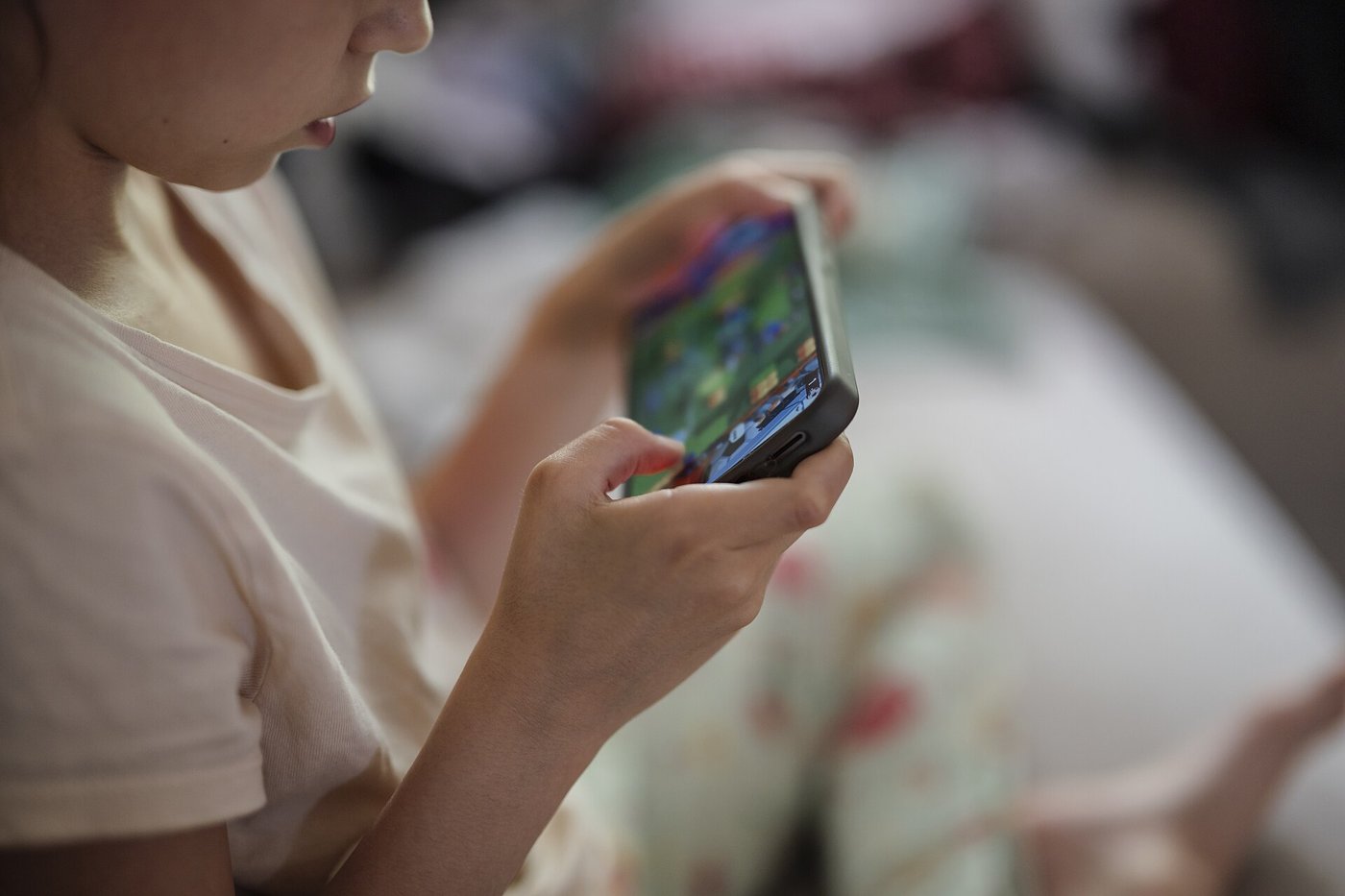
How to Set Up Parental Controls on an iPhone

Handing a kid a phone is a big step. These settings make it a little less nerve-wracking.

Quick answer Set up Family Sharing and give your child their own Child Account. Then, from your own iPhone, go to Settings > Family > your child’s name. From there you can approve apps (Ask to Buy) and websites, set Screen Time schedules and daily time allowances, choose who they can contact, and set age-based content restrictions.
How to Set Up Parental Controls on an iPhone
Photo: Shixart1985 / Wikimedia Commons, CC BY 2.0
What you need

  • Your iPhone and your child’s iPhone, both updated to the latest iOS
  • Family Sharing set up, with your child on their own Apple Account

Steps

  1. Get set up. Turn on Family Sharing and create a Child Account for your kid if they don’t have one. Make sure they aren’t sharing anyone else’s Apple Account, and add yourself to their contacts so their requests reach you.
  2. Open their settings. On your iPhone: Settings > Family > tap your child’s name. Set a Screen Time passcode they don’t know when asked.
  3. Approve app downloads. Tap Apps & Websites > Restrictions > Ask to Buy, and turn on Require Purchase Approval. Their downloads and purchases come to you for a yes or no.
  4. Filter websites. Apps & Websites > Restrictions > Filtering. Choose Limit Adult Websites, or Approved Websites Only so they have to ask for each new site.
  5. Set a schedule. Tap Screen Time Schedule, turn on Schedule, and add schedules (for example school nights) for the days you choose.
  6. Set time limits. Tap Time Allowances, then Add, to set daily limits for things like games or social media.
  7. Control contacts. Tap Allowed Contacts. Choose who they can talk to during Screen Time, and turn on Manage Contacts to approve their contact list.
  8. Turn on Communication Safety. It helps keep kids from viewing or sending photos and videos with detected nudity or violence.
  9. Set content ratings. Tap Content & Privacy Restrictions and pick age ratings for apps, music, movies, TV and books.

Good to know

Some of these settings, like Ask to Buy for kids under 13 and Limit Adult Websites for kids under 18, are on by default for child accounts. Menu names can shift a bit between iOS versions, and Apple’s support site has the current steps.

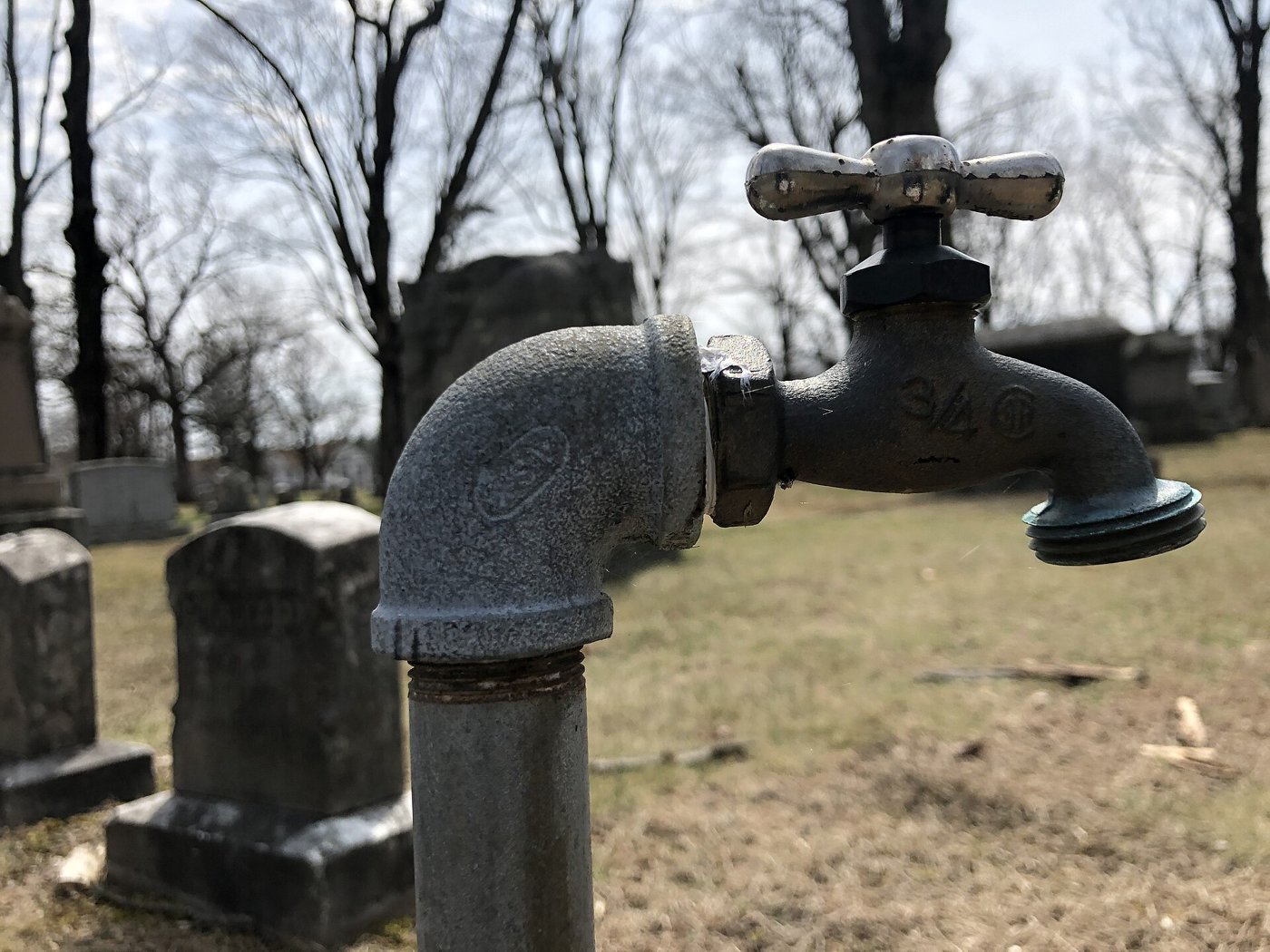
How to Winterize Outdoor Faucets and Pipes

Arkansas doesn’t freeze often, but when it does, a busted pipe is a mess you don’t want.

Quick answer Before the first freeze, disconnect and drain your hoses. Close the indoor shutoff valve for each outdoor faucet, then open the outside faucet to drain it and leave it open. Insulate pipes in crawl spaces, garages and attics. During hard freezes, let a faucet on exposed pipes drip, open sink cabinets, and keep the heat at least 55°F if you’re away.
How to Winterize Outdoor Faucets and Pipes
Photo: MarkBuckawicki / Wikimedia Commons, CC0
Tools & materials

  • Pipe sleeves (foam pipe insulation) or UL-listed heat tape
  • Outdoor faucet covers (optional)
  • Flashlight for the crawl space

Steps

  1. Hoses off. Disconnect, drain and store garden hoses.
  2. Shut off the supply. Find the indoor valve that feeds each outdoor faucet (often in a basement, crawl space or utility area) and close it.
  3. Drain the faucet. Open the outside faucet to let the water out, and leave it open so any water left in the line has room to expand.
  4. Insulate. Wrap pipes in unheated spaces like crawl spaces, attics, garages and exterior walls with pipe sleeves or UL-listed heat tape. Add insulation to attics, basements and crawl spaces where you can.
  5. Sprinklers and pools. Drain sprinkler and pool supply lines according to the installer’s directions. Don’t add antifreeze unless directed.
  6. When a hard freeze hits: keep garage doors closed, open kitchen and bathroom cabinet doors (move cleaners out of kids’ reach), let cold water drip from faucets on exposed pipes, and keep the thermostat at the same setting day and night.
  7. Going away? Leave the heat on, set no lower than 55°F.
  8. If a pipe freezes (only a trickle comes out): keep the faucet open and warm the pipe with a hair dryer, heating pad, space heater kept away from anything flammable, or towels soaked in hot water. If you can’t find or reach the frozen spot, or can’t thaw it, call a licensed plumber.
Safety: Never thaw a pipe with a blowtorch, kerosene or propane heater, charcoal stove or any open flame.

How to Reset a Tripped Breaker or GFCI Outlet

When half the house goes dark, this is the first thing to check before calling anybody.

Quick answer Turn off or unplug things on the dead circuit. At the panel, find the breaker that’s in the OFF or middle position, push it firmly all the way to OFF, then back to ON. If outlets in a kitchen, bathroom, garage or outdoors are still dead, look for a GFCI outlet (TEST and RESET buttons) and press RESET. If it trips again right away, stop and call an electrician.
How to Reset a Tripped Breaker or GFCI Outlet
Photo: BrokenSphere / Wikimedia Commons, CC BY-SA 3.0
Tools & materials

  • Flashlight
  • A lamp or nightlight to test outlets

Steps

  1. Lighten the load. Turn off or unplug lamps, appliances and anything else on the dead circuit.
  2. Find the tripped breaker. Open the panel door. A tripped breaker sits at OFF or in a middle position close to ON, which can be hard to see.
  3. Reset it. Push the handle firmly all the way to OFF, then back to ON.
  4. Check for a GFCI. If outlets are still dead, look for an outlet with TEST and RESET buttons on the same circuit (often in a bathroom, kitchen, garage or outdoors). One GFCI can protect other outlets down the line. Press RESET firmly. Some GFCIs are breakers in the panel instead.
  5. Plug things back in one at a time.
  6. If it trips again, there’s a problem: an overloaded circuit, a bad appliance or a wiring fault. Leave it off and call a qualified electrician.
  7. Test GFCIs monthly (and after a power outage). Plug in a lamp, press TEST: the lamp should go off. Press RESET: it should come back on. If it doesn’t work either way, the GFCI needs to be replaced or checked by an electrician.
Safety: Keep your hands dry at the panel. A breaker or GFCI that keeps tripping is telling you something is wrong; don’t keep resetting it. Call a qualified electrician.

Arkansas and Ozarks History Worth Knowing

There’s a lot of history right in our own backyard. These are a few places worth taking the boys to see.

Quick answer Arkansas became a state on June 15, 1836. The Cherokee Trail of Tears crossed northwest Arkansas in 1838 and 1839. The Battle of Pea Ridge was fought on March 7 and 8, 1862. The Buffalo became America’s first national river on March 1, 1972. And the largest diamond ever found in the U.S. came out of the ground near Murfreesboro in 1924.
Arkansas and Ozarks History Worth Knowing
Photo: Brandonrush / Wikimedia Commons, CC0
Places to see it

  • Pea Ridge National Military Park (Garfield)
  • Trail of Tears National Historic Trail auto-tour signs in Benton and Washington counties
  • Buffalo National River (Newton, Searcy, Marion and Baxter counties)
  • Ozark Folk Center State Park (Mountain View)
  • Crater of Diamonds State Park (Murfreesboro)

The highlights

  1. Statehood, 1836. Arkansas became the 25th state on June 15, 1836.
  2. The Trail of Tears. In the 1830s, tens of thousands of Native Americans forced from their homelands in the Southeast passed through Arkansas, including Creek (Muscogee), Cherokee, Choctaw, Chickasaw and Seminole people. From October 1838 to March 1839, Cherokee Nation detachments of about 1,000 people each crossed northwest Arkansas, most entering just east of Pea Ridge and turning west near Fayetteville. Many died of disease and cold along the way. In 1987, Congress recognized this Northern Route as the land route of the Trail of Tears National Historic Trail.
  3. Pea Ridge, 1862. More than 23,000 soldiers fought at Pea Ridge, in Benton County, on March 7 and 8, 1862. Today it’s Pea Ridge National Military Park.
  4. The Buffalo River fight. For decades, the U.S. Army Corps of Engineers planned dams on the Buffalo. Conservationists, including the Ozark Society, fought back, and the dam plans were dropped. On March 1, 1972, the Buffalo became the first national river in the United States. The park protects 135 miles of the 150-mile river, one of the few remaining free-flowing rivers in the lower 48. In 2019 it became Arkansas’s first International Dark Sky Park.
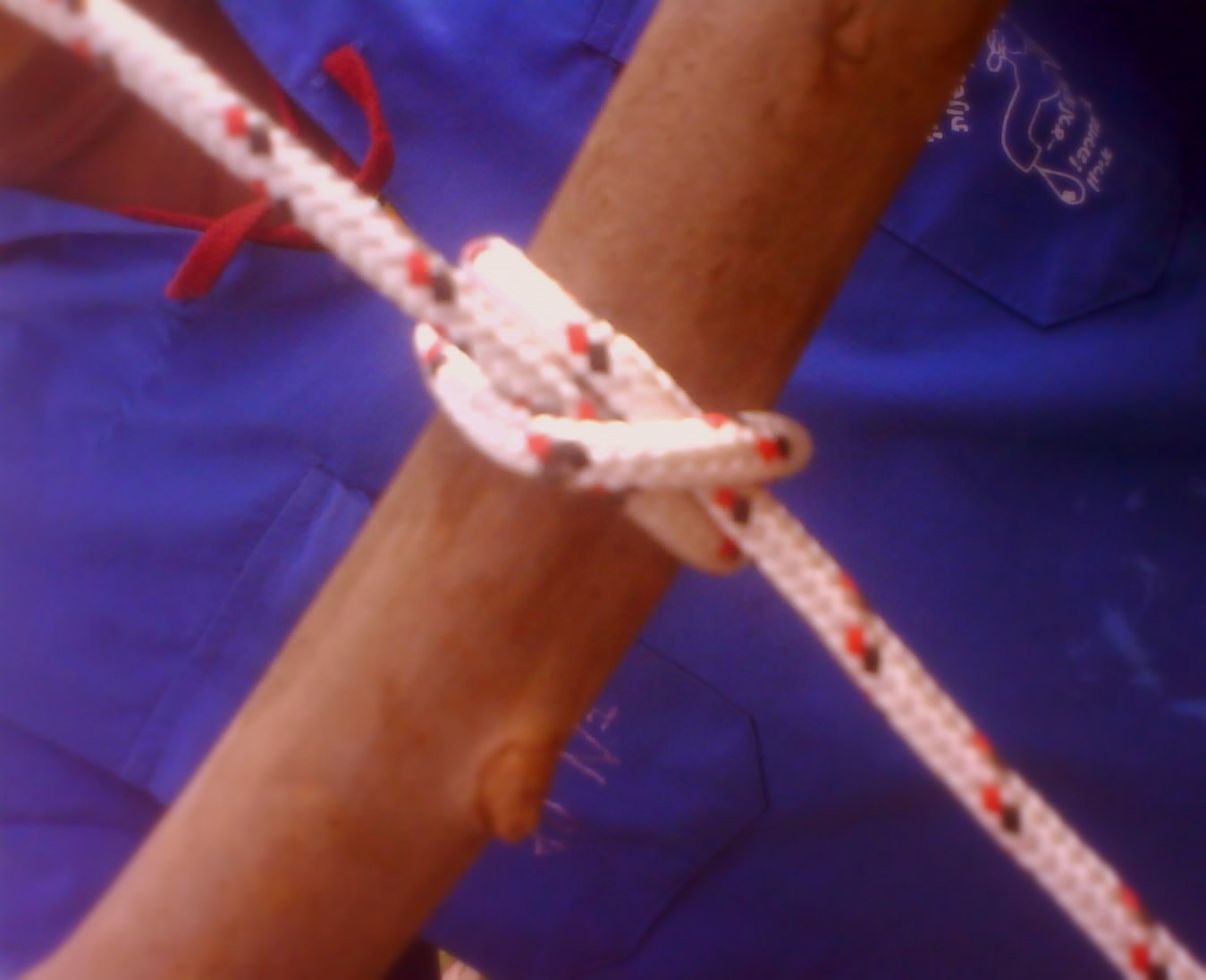
  5. Ozark folk life. The Ozark Folk Center State Park in Mountain View keeps traditional Ozark music and crafts alive, with demonstrations of things like blacksmithing, basketry, quilting and woodcarving.
  6. Diamonds, 1924. At what’s now Crater of Diamonds State Park, a worker found the 40.23-carat “Uncle Sam” in 1924. It’s still the largest diamond ever found in the United States. The state bought the site in 1972. Visitors can still search the field and keep what they find.

Crispy Oven Fries

Homemade fries disappear fast around here. These come out crispy without a fryer.

Quick answer Cut russet potatoes into sticks, soak them in cold water at least 30 minutes, then dry them completely. Toss with oil and spread in a single layer with space between them on a hot, oiled sheet pan. Roast at 425°F (dark pans) to 450°F (light pans), flipping once halfway, until golden. Salt right away.
Crispy Oven Fries
Photo: Acabashi / Wikimedia Commons, CC BY-SA 4.0
Ingredients

  • 3 large russet potatoes (about 2 3/4 to 3 pounds), peeled or not
  • 3 to 4 tablespoons high-heat oil (peanut, sunflower, avocado or vegetable)
  • Salt
  • 2 large sheet pans

Directions

  1. Cut the potatoes into sticks. About 1/2 inch wide (pinky size) cooks faster; about 3/4 inch wide (thumb size) makes thick-cut fries.
  2. Soak them in a bowl of cold water for at least 30 minutes, up to overnight in the fridge. This pulls out starch so they crisp.
  3. Heat the oven to 425°F if your pans are dark, 450°F if they’re light. Put the oil on the sheet pans, tilt to coat, and put the pans in to heat.
  4. Dry them well. Drain, rinse, and pat bone-dry with towels. Wet potatoes steam instead of crisping.
  5. Optional for thick fries: boil the sticks in salted water about 5 minutes, just until a knife tip goes in but they hold their shape, then drain and let dry.
  6. Spread them out. Carefully pull out the hot pans, add the potatoes, turn each once to coat with oil, and space them apart in a single layer. Crowded fries come out soggy.
  7. Roast about 20 minutes, flip once, and roast until golden-brown at the edges. Thin fries take about 20 minutes total; thick ones 30 to 40.
  8. Salt them as soon as they come out, and serve hot.
Safety: The oiled pans are very hot. Kids stay back while you add the potatoes and flip them.

Buttermilk Pancakes from Scratch

Saturday morning pancakes are a tradition worth keeping.

Quick answer Whisk 2 cups flour, 2 tablespoons sugar, 1 teaspoon baking powder, 1 teaspoon baking soda and 1/2 teaspoon salt. Whisk 2 cups buttermilk, 1 or 2 eggs and 2 tablespoons melted butter. Stir together until just combined (lumps are fine), rest 10 to 15 minutes, and cook 1/4 cup at a time on a medium-hot griddle until bubbles form, then flip.
Buttermilk Pancakes from Scratch
Photo: Mae Mu / Wikimedia Commons, CC0
Ingredients

  • 2 cups all-purpose flour
  • 2 tablespoons sugar
  • 1 teaspoon baking powder
  • 1 teaspoon baking soda
  • 1/2 teaspoon salt
  • 2 cups buttermilk
  • 1 or 2 large eggs
  • 2 tablespoons melted butter, plus butter or oil for the pan
  • 1 teaspoon vanilla (optional)

Directions

  1. Mix the dry ingredients in a large bowl.
  2. Mix the wet: whisk the egg(s), then the buttermilk, melted butter and vanilla, in another bowl.
  3. Combine by pouring the wet into the dry and stirring just until mixed. Some lumps are fine; overmixing makes flat, tough pancakes.
  4. Rest the batter 10 to 15 minutes. If it’s too thick to pour, thin with a little more buttermilk.
  5. Heat the pan. Heat a skillet over medium (or medium-low for cast iron) or a griddle to about 350°F, until a drop of water skitters across it. Grease lightly.
  6. Cook 1/4 cup of batter per pancake until bubbles form on top and the bottom is golden, about 1 to 2 minutes. Flip and cook 1 to 2 minutes more.
  7. Serve right away, or keep warm in a 200°F oven while you finish the batch.
Safety: Keep kids back from the hot griddle and the handle turned in.

Tips

Leftovers freeze well. Freeze them the same day and reheat in a low oven or the toaster.

« Older posts